


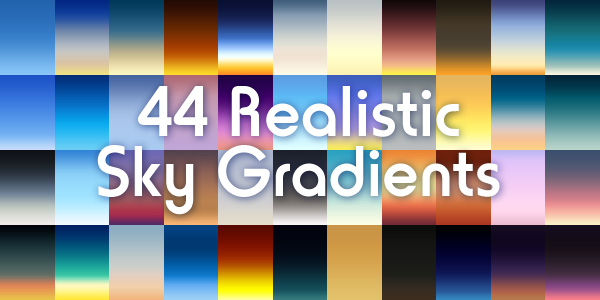
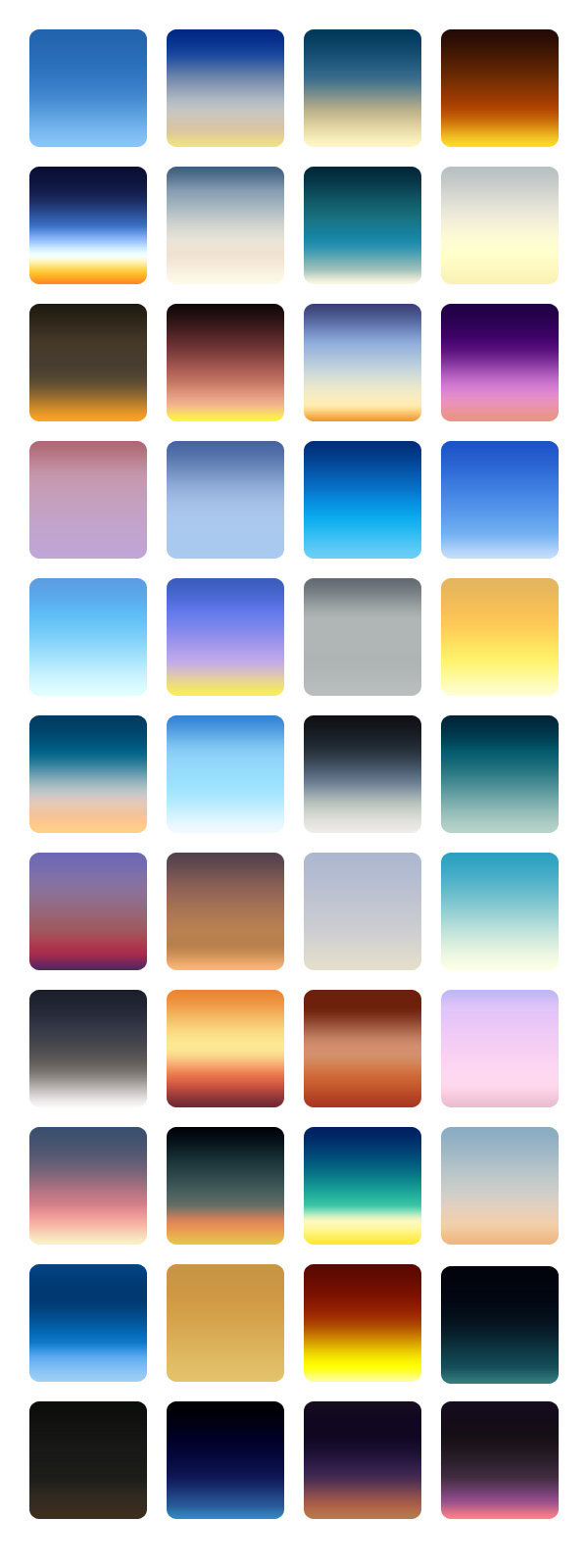
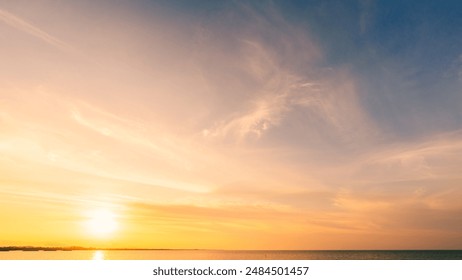
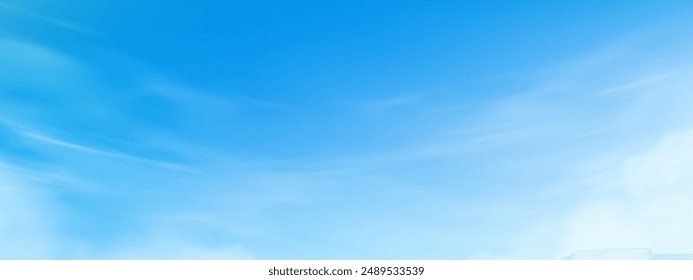
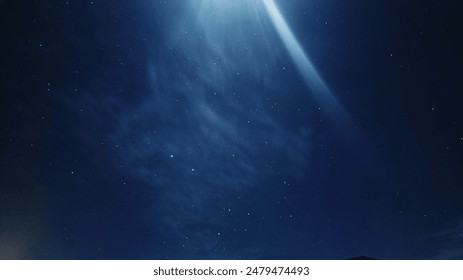
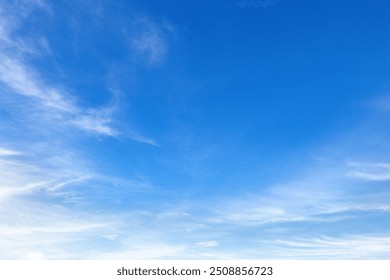
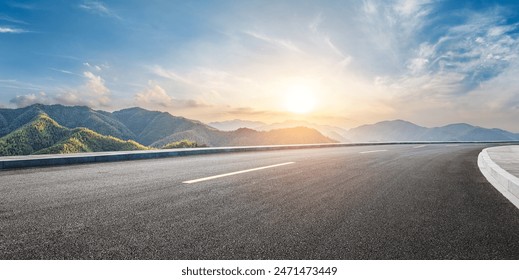
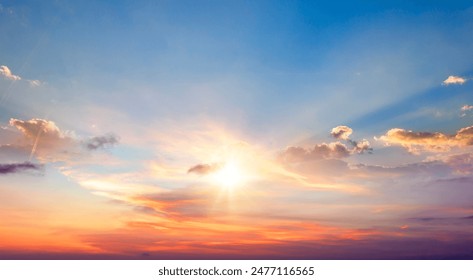
Friends, today's design download is a highly useful resource for graphic designers: 44 Realistic Sky Gradients for Photoshop. These gradients render some best possible moods of the sky! Perfectly handy!!
Some real photos have been followed to create these 44 gradients to capture atmosphere for sunrise, sunset, blue skies, dark skies, etc. All you need to do is to download the .GRD file, load it on your Photoshop and play with the gradients on your designs. I am sure you'll love the effect. I'd be happy to hear your comments on this wonderful freebie.
How to install Gradients in Photoshop
- Download and unzip the gradients (.grd) file.
- Copy and paste the “sky-gradients-graphicsfuel.grd” file into Presets > Gradients in your Adobe Photoshop folder of your computer.
- Now open your Photoshop tool, click Gradients Tool (G) and click the "Edit Gradient" option and a Gradient Editor popup will open.
- There click "Load" button on the right side of the popup box.
- Select the “sky-gradients-graphicsfuel.grd” file and click “Load” button and then click “Done” button. The gradients are installed.
You can also drag-and-drop the gradients file on to your Photoshop to quickly load the gradients.
Preview of the Gradients
Author: Rafi
Format: Photoshop .GRD
Keywords: Sky Gradients, photoshop gradients
Size: 4.3KB (zip)
License: Royalty-free, Free for personal and commercial use











13 thoughts on “44 Realistic Sky Gradients For Photoshop”
This Photoshop Sky Gradients are awesome. Thanks for sharing.
Gradients is always nice looking.thanks for shearing
Thanks!
Thank you for the gradents. They can really enhance an image and yours look particularly nice!
How does this work, like a filter? I am trying to make my beach maternity photos pop with gorgeous sunset colors….
Really nice! Thank you!
nice thanks
These gradients are awesome. Thank you!
Realy beautifull gradients
They’re beautiful and very useful. Sure I’m gonna use them.
Thanks and hugs from Brazil.
It’s so nice to find free, quality design elements, thank you!
Really nice night gradients! Can’t wait to use the
These are really nice. Thank you so much.