
Need a new custom design? I am available to help you.

Stone Text Effect PSD

Friends, today's freebie is a solid stone text effect in PSD format. The effect looks like a big rock is carved with the 3D text  with realistic shadows and lights. This will allow you to add your text and transform it into solid stone effect in a couple of clicks. You can also change the background texture as well as the 3D effect by playing and tweaking the smart layers. Just download the free PSD text effect file and use it to show your text with creative style. The free font used in the design is ROYALS.
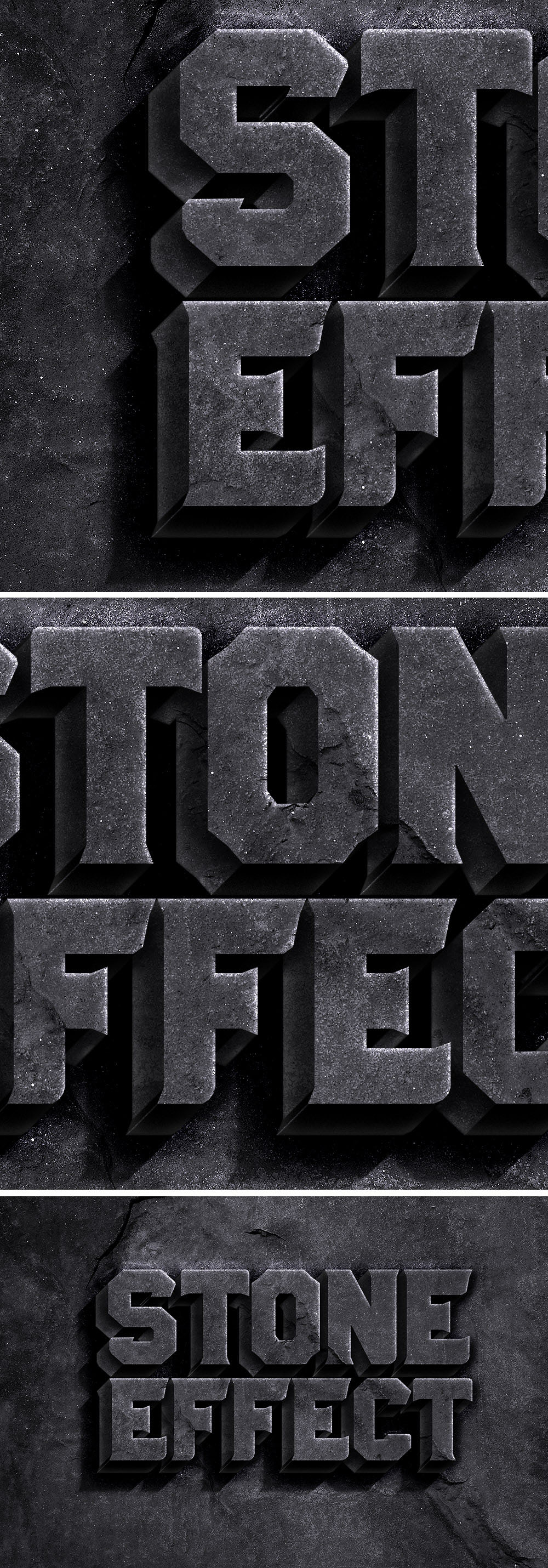
Rock Text Effect PSD

File Format: .PSD
Layers: Smart-Layers
Dimensions: 3000 x 2000 pixels
File Size: 63.1 MB

Subscribe & get a FREE Bundle of 30 design files to your email

I accept the privacy policy and would love to receive emails

Quick Categories

Ready to unlock our full premium library with commercial license?

opening gradient text style effect template, 3D glow light editable text effect
2026 text title with premium 3d style effect, logo symbol for new year celebration
2026 text premium 3d style effect, logo symbol for new year celebration
Label christmas with gold effect
2026 3d style effect, logo symbol for new year celebration
3D text 2026, logo symbol for new year celebration
3D text logo new year 2026, logo symbol for new year celebration
2026 text logo with santa hat symbol for new year celebration
3D Red Number 46 Text Vector - Premium Digital Design on White Background
3D text 2026 stylish in gray color, logo symbol for new year celebration
grand opening text style effect template, 3D glow light editable text effect
3D Red Number 53 Text Vector on White Background
2026 with 3d style logo symbol for new year celebration
Luxury 2026 logo 3d style, logo symbol for new year celebration
Sport Game 3D cartoon template style premium vector with editable text effect
Start Game 3D cartoon template style premium vector with editable text effect
stars and planets in galaxy premium background

3 thoughts on “Stone Text Effect PSD”

    1. Hello
      I believe that one layer should be a smart object.

      Double click on the smart object icon in the layer thumbnail. It takes you to another Psb tab where you insert your preferred design.

      I have not used this tutorial though. I’m just saying assuming that’s supposed to be the way it is.

Leave a Comment

Your email address will not be published. Required fields are marked *