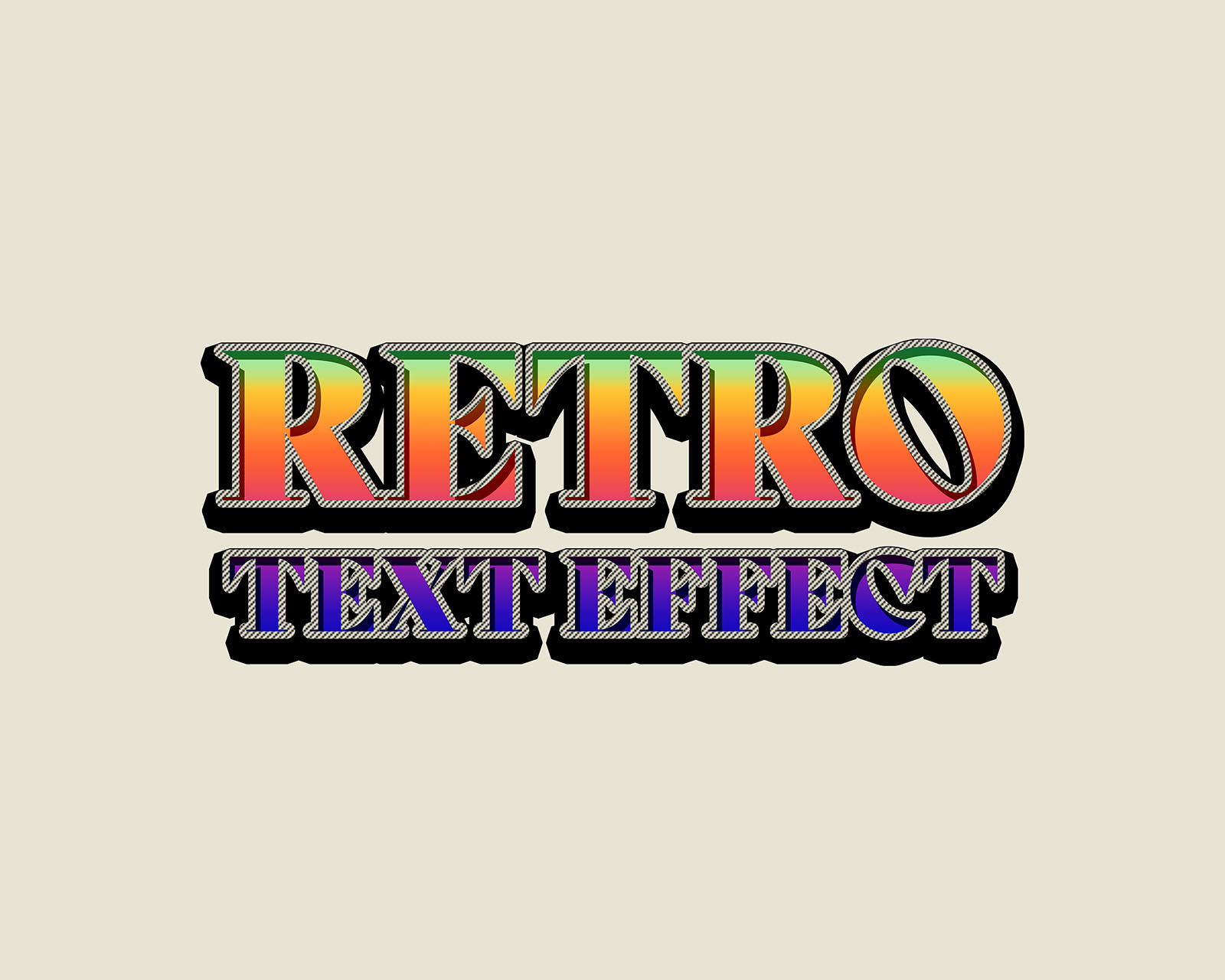
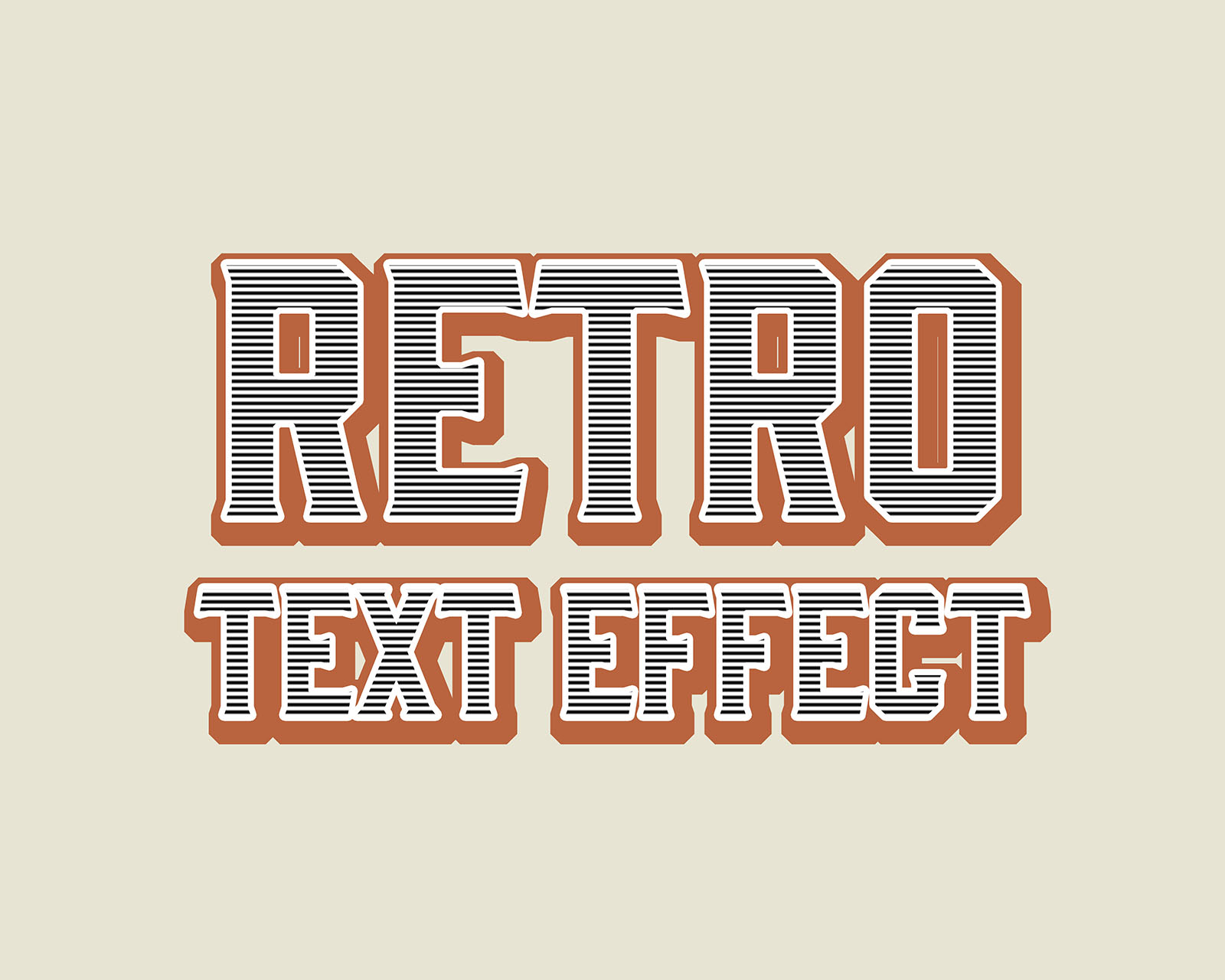
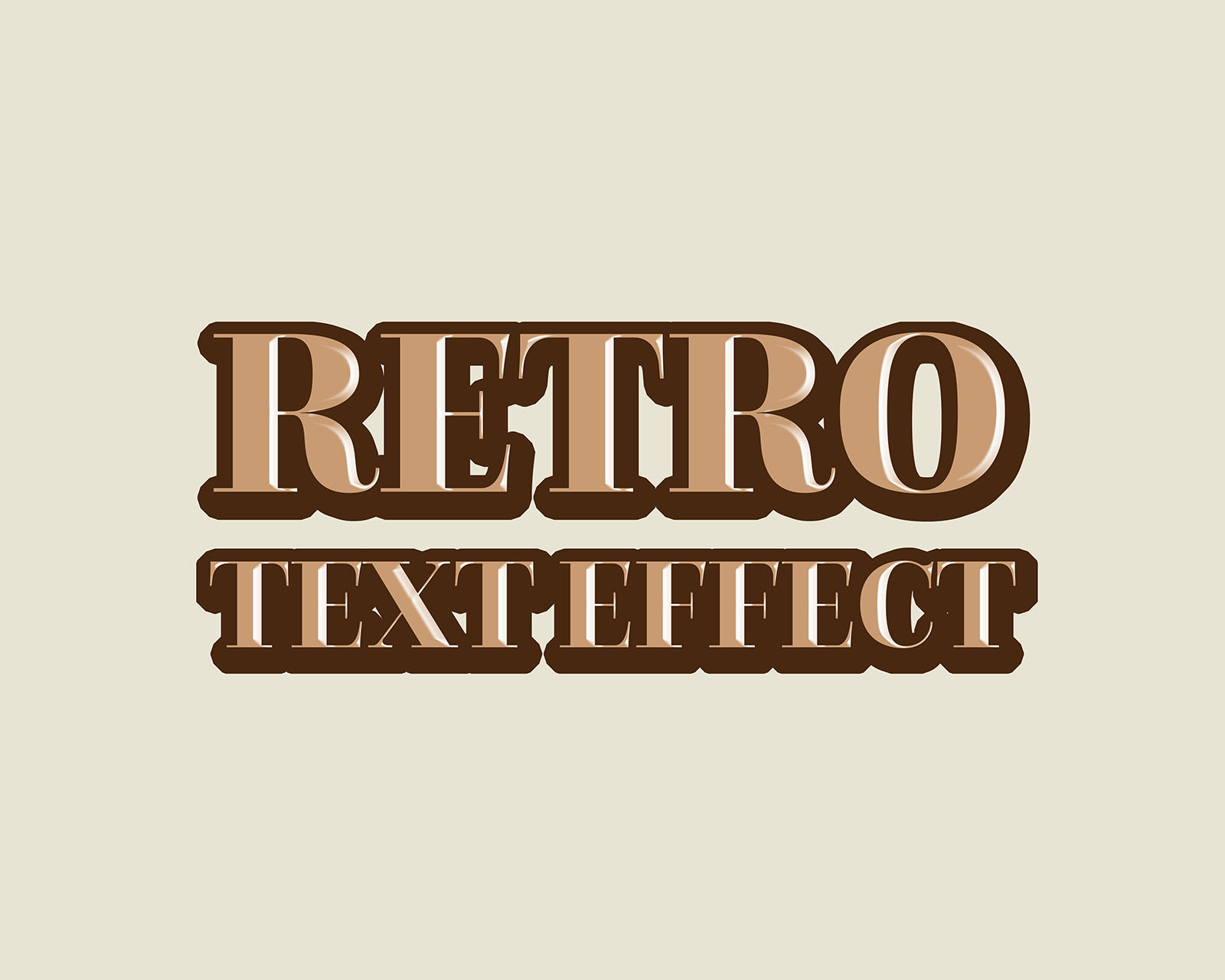
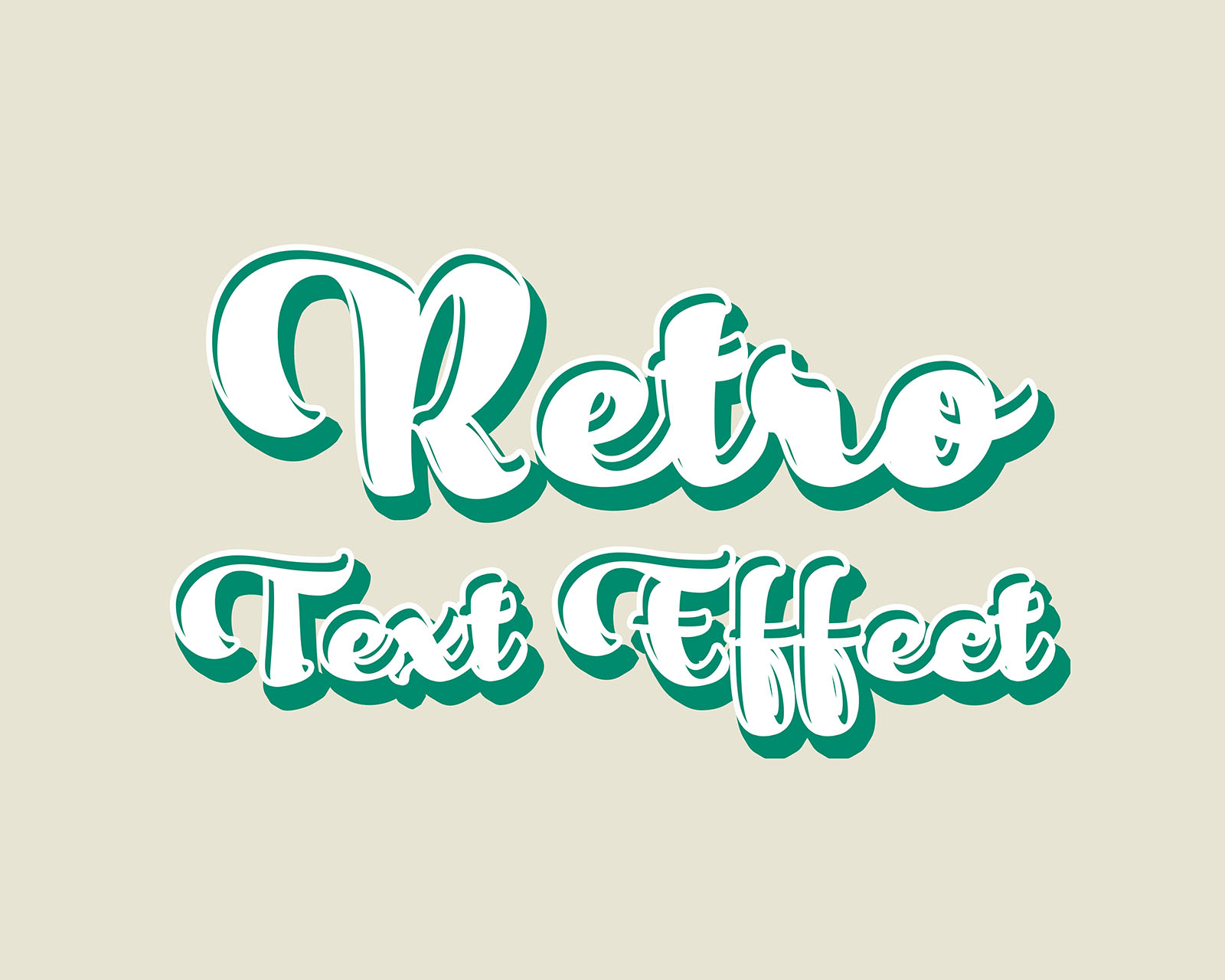
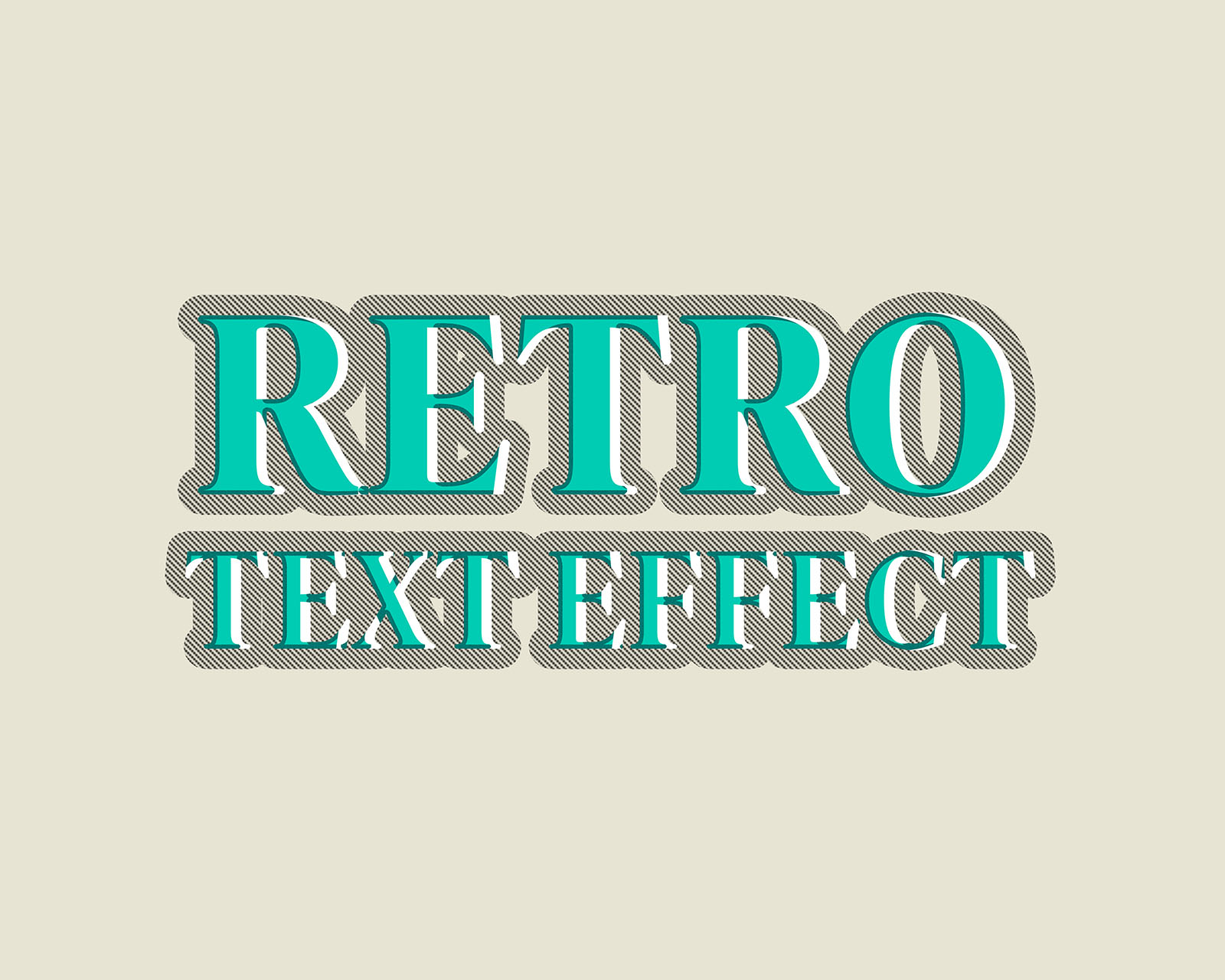
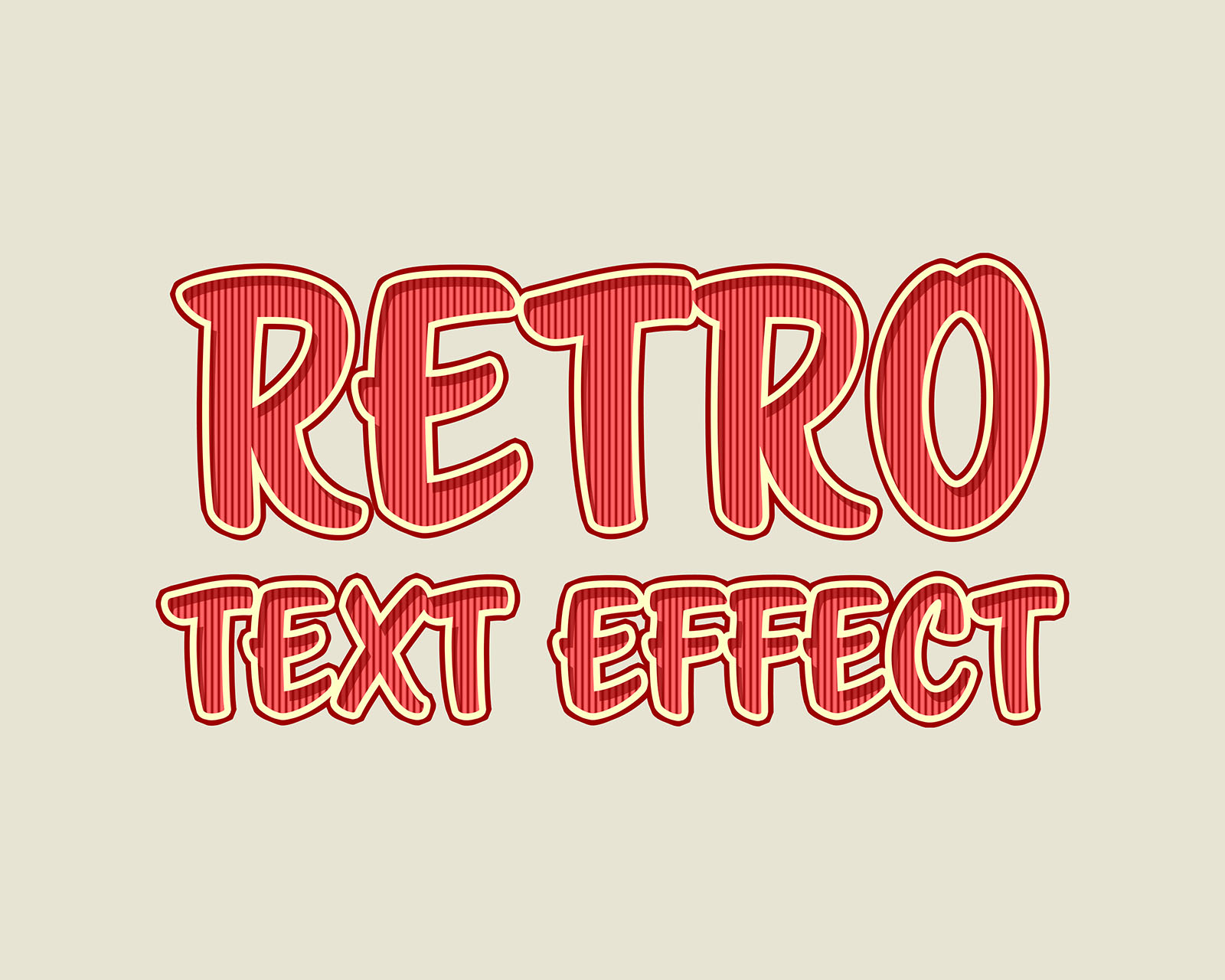
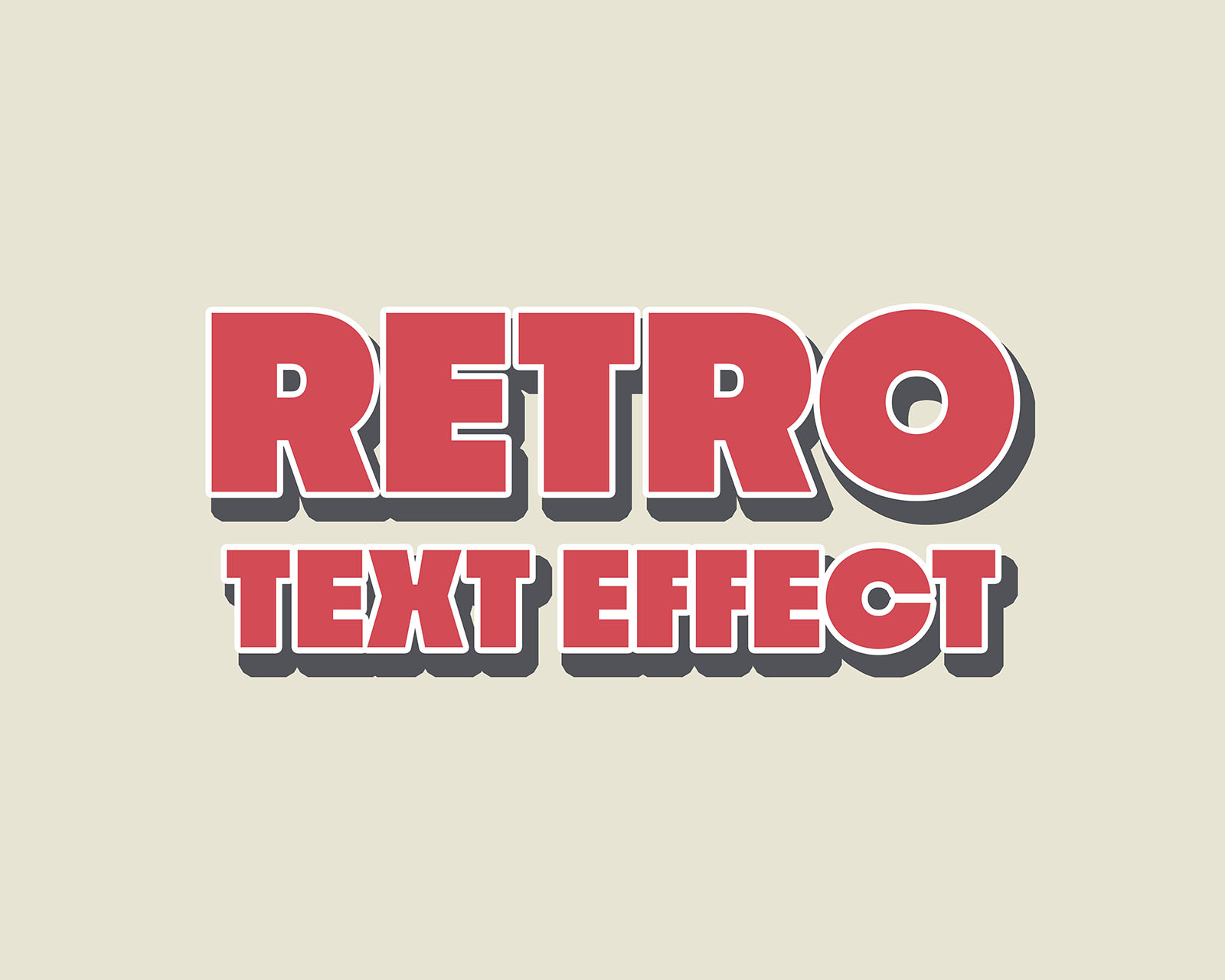
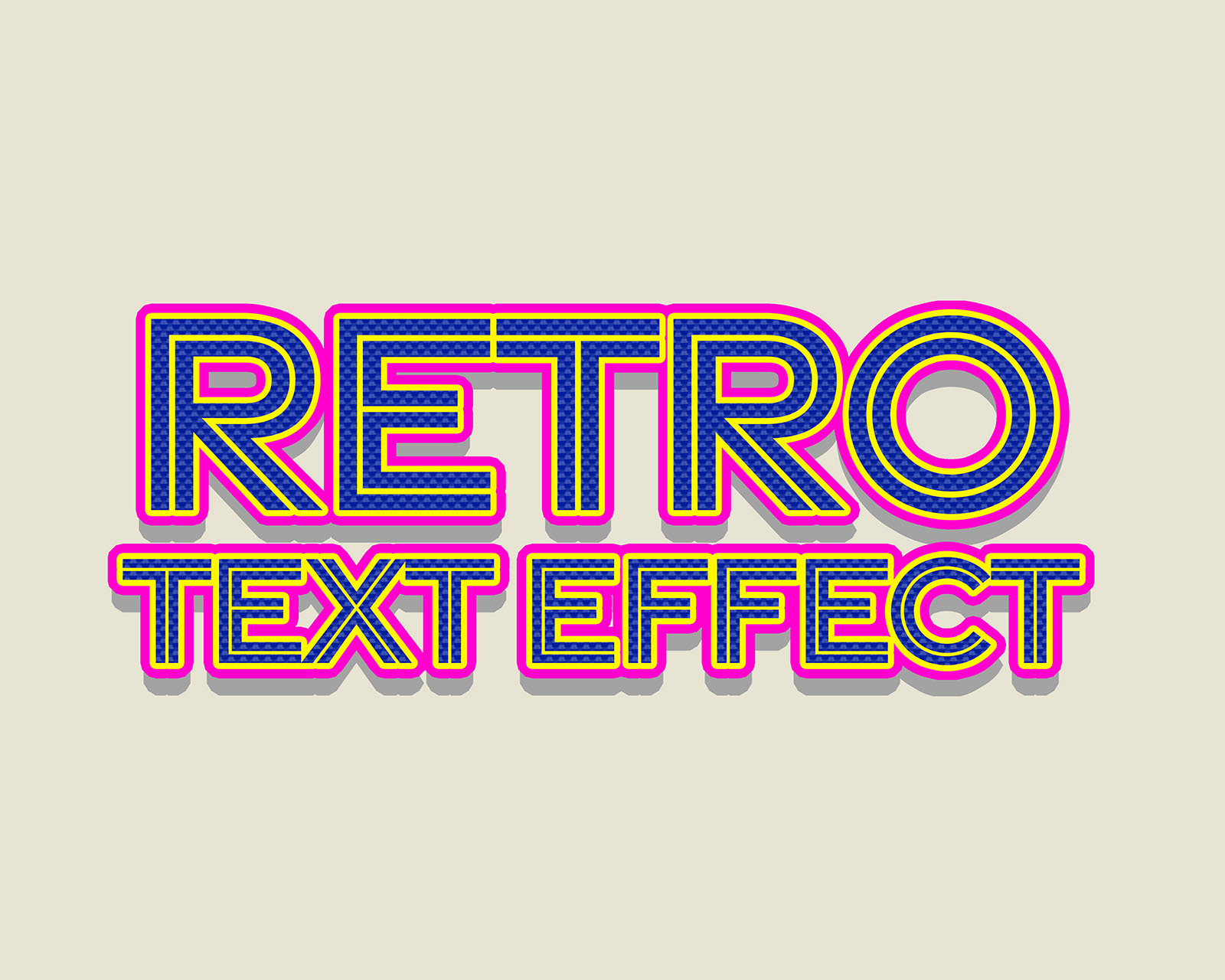
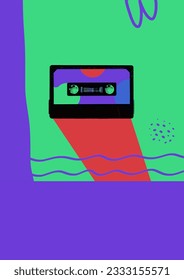
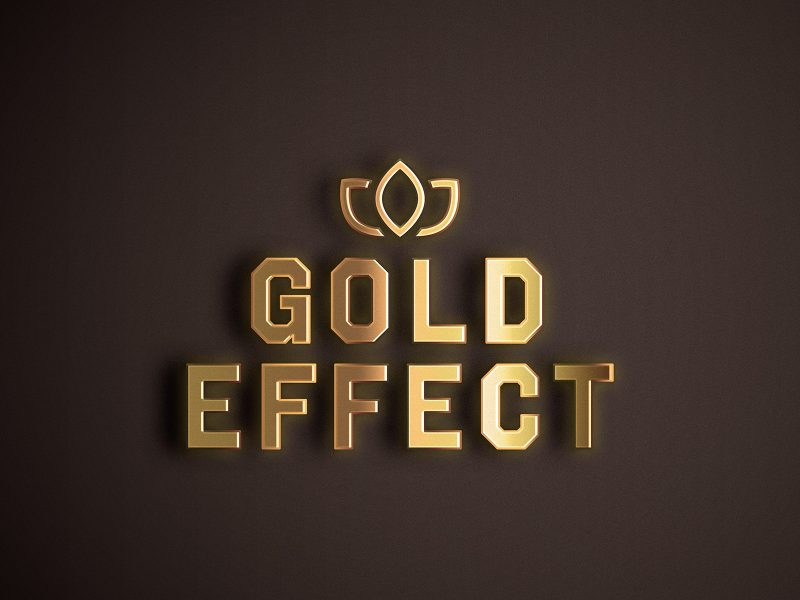
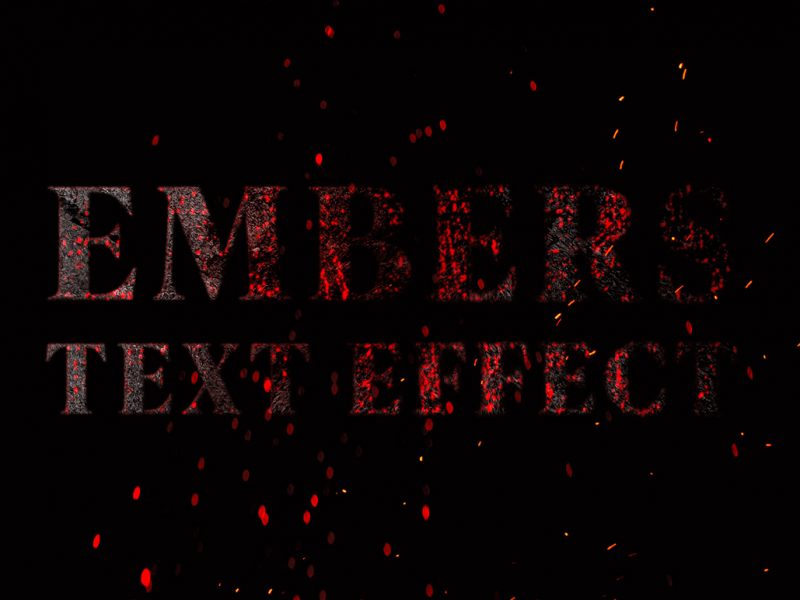
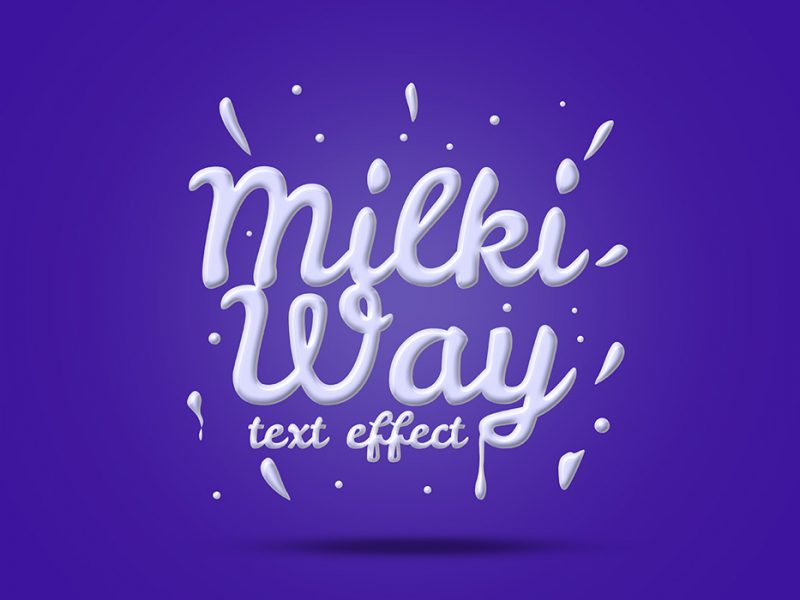
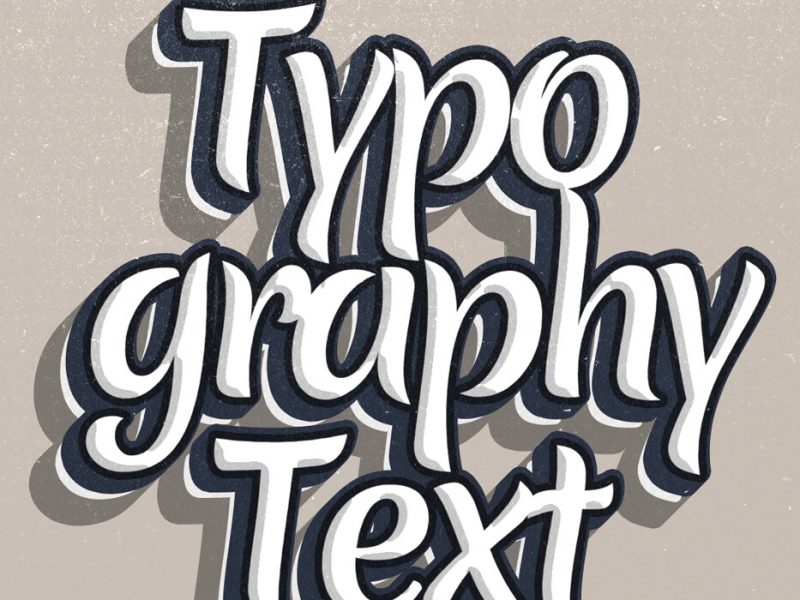
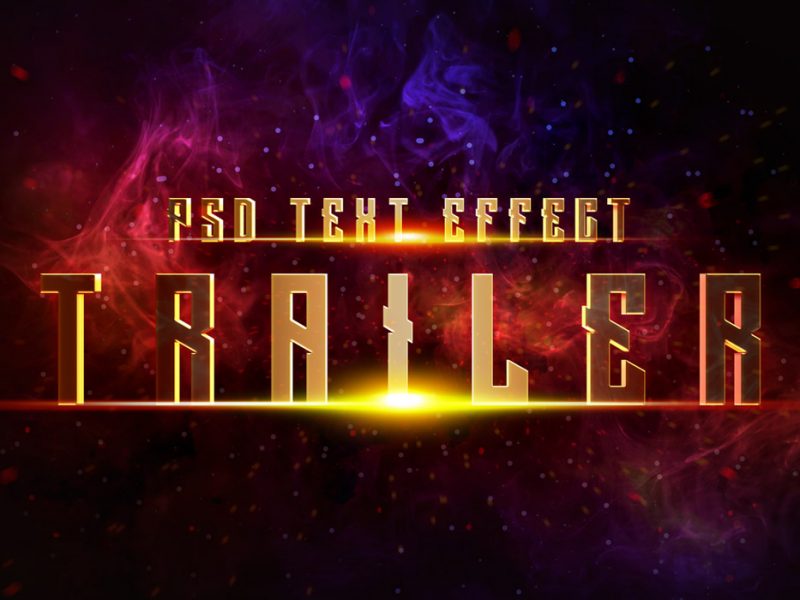
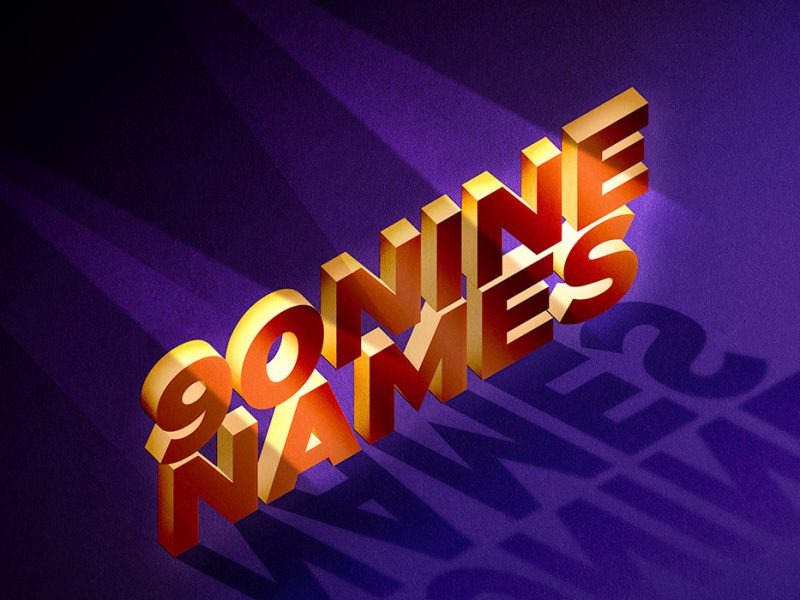
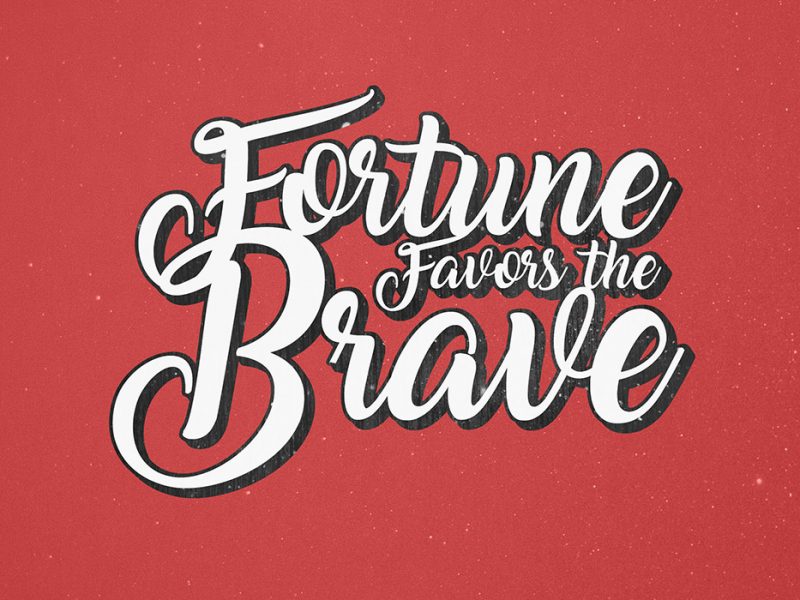
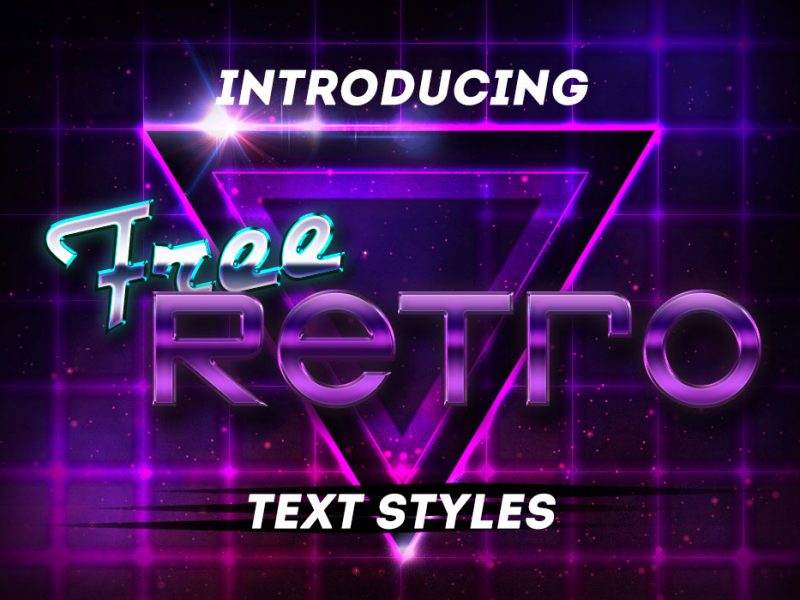
Set of 8 high-quality text effects for Photoshop. These are ideal for vintage and retro text effects for your web and graphic designs.
How to use the effects:
Double-click the smart object layer and add your text and save. The normal text will automatically save as the retro text.
File Format: PSDLayers: Smart-ObjectDPI: 300Dimensions: 5000×4000 PixelsFile Size: 16.2 MB (zip)
Extended License Includedfor personal & commercial projects
I accept the privacy policy and would love to receive emails
EXCELLENT styles! thanks a lot for sharing 🙂
Thank you!
Excellent….Thanks
Thanks!!
very nice
Excelentes estilos. Gracias
nice..great work
Beautiful and very useful, thanks!
Thank you, Ann.
give me layer photo for design
Your email address will not be published. Required fields are marked *
Name*
Email*
Website
Notify me of follow-up comments by email.
Notify me of new posts by email.






10 thoughts on “Photoshop Retro Text Styles”
EXCELLENT styles! thanks a lot for sharing 🙂
Thank you!
Excellent….Thanks
Thanks!!
very nice
Excelentes estilos. Gracias
nice..great work
Beautiful and very useful, thanks!
Thank you, Ann.
give me layer photo for design