


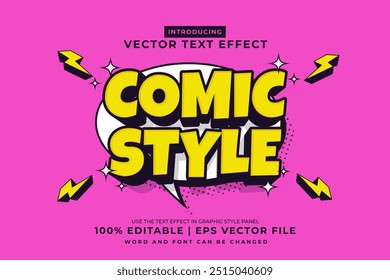
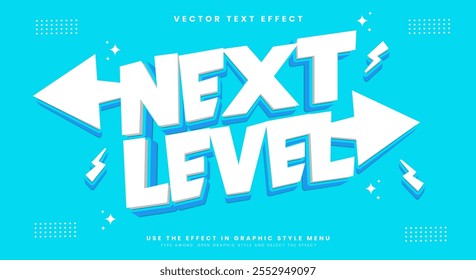
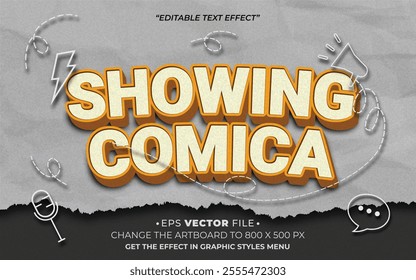
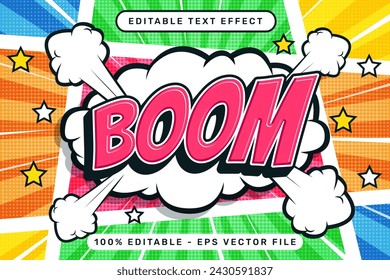
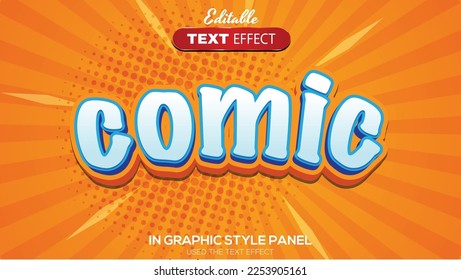
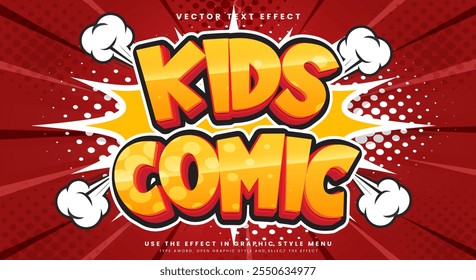
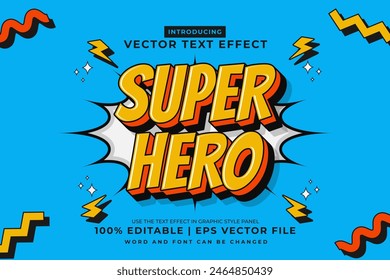
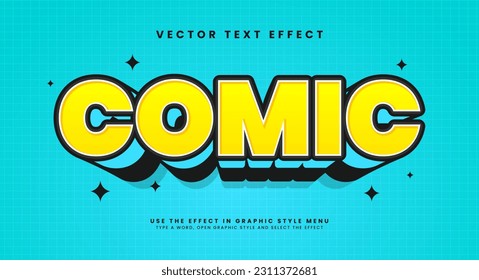
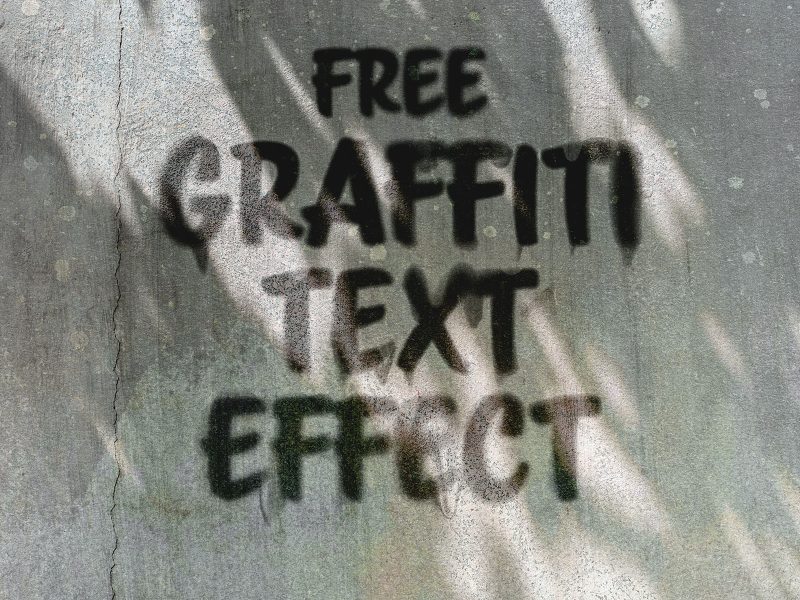
Turn your regular text into a comical or cartoon 3D effect. The text effect is ideal for your apps, logos, titles, comics, headers or banners. You can even create a great typographic piece for your poster or greeting card design. Double click the smart object layer in the PSD file and type your own text or add symbol and save to get the effect. You can easily change the entire color profile in the text.
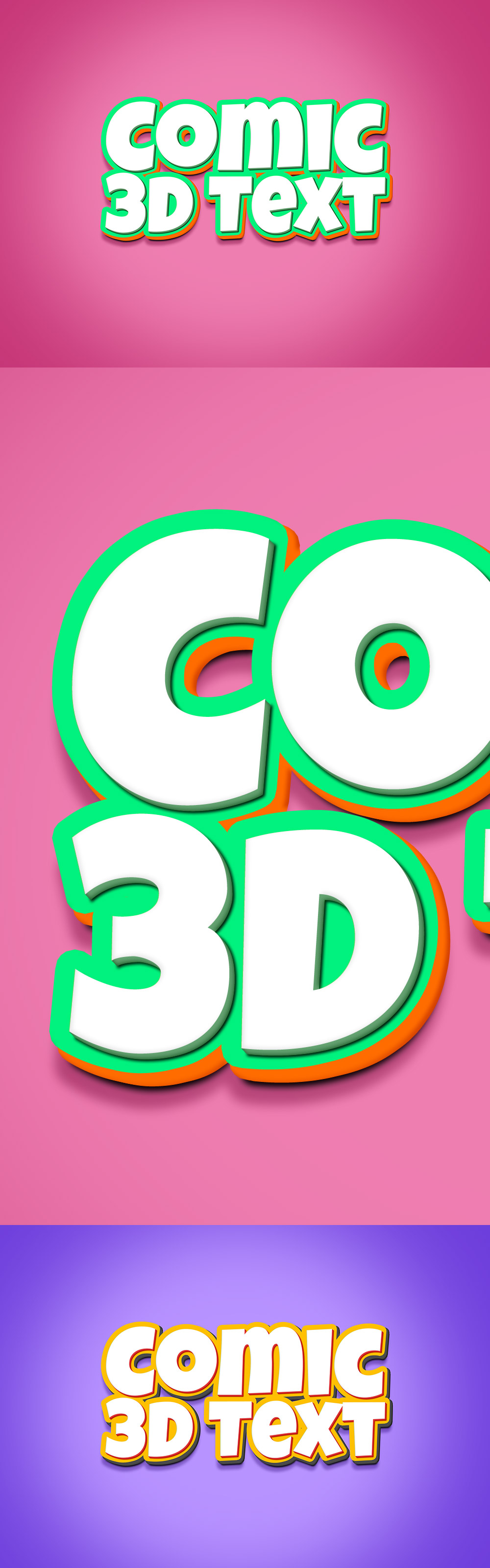
File Format: .PSD
Layers: Smart-Objects
Dimensions: 4000x3000 pixels
File Size: 7.68 MB








15 thoughts on “3D Comic Text Effect PSD”
I don’t know how to use this and how do I type my own words with this effects?
Hi Sarah, open the downloaded PSD file in Photoshop and double click the very top smart object layer and add your own text and save. You will get the effect on your text. Thank you!
great !!!…where do i get the font to modify the content
You can get from Google Free fonts fonts.google.com
hello not know to use
You can use the smart-object layers within the PSD file to add your own designs. Once you open the PSD file in Photoshop, double-click the smart object layer and it opens a new doc. There add your text and save. Hope this helps. Thank you!
Really cool text effect and useful too!
thanks for sharing!!
its amazing!!
looks super-cool!!
I’ve downloaded these 3D Comic effects! These are Superb!
Thank you, Farsi.
3D Comic text effect psd is the most recommandable thing to all. Download at my end. Thanks.
Just downloaded thanks for sharing.
This looks cool! Thank you very much!