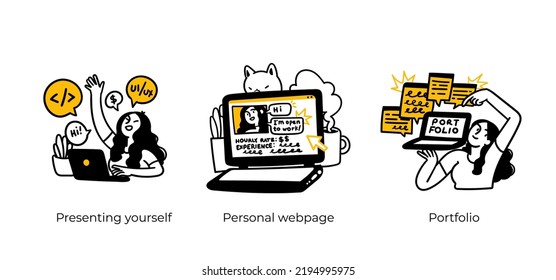
What should a website about your design business say about you? It should obviously say who you are and what you do. But even more, it should tell the world what you’ve done, and by inference what you’re capable of creating, by putting your body of work on full display.
Your best sales and marketing tool isn’t your autobiography; it’s your portfolio.
From your past design experience, you know how time-consuming and painstaking building a truly awesome website for a client can be.
You’d rather not take all that time and trouble to build an equally awesome site for yourself, especially if you want to have a portfolio site up and running now.
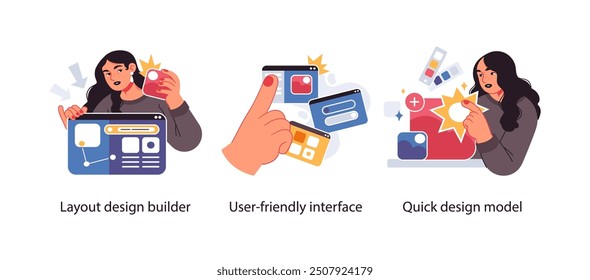
With BeTheme’s new Muffin Builder you don’t have to.
Don’t be surprised if you experience a certain “Wow” factor when you put the new Muffin Builder into practice. It’s like going from a Ford, Chevy, or Honda to a Ferrari. You’ll get where you’re going faster and get superior results.
So, you need to get a portfolio site up and running ASAP, and you also want to do it right. Let’s take a closer look and see what the New Muffin Builder and this “Wow” factor is all about.
The following 6 new Muffin Builder features, with help from other BeTheme design tools, will enable you to get an impressive portfolio site up and running in short order.
You’ll find the site-building process is painless, and you’ll discover what’s behind the “Wow” factor the first time you use them.
Feature #1: A professional-looking portfolio site ready for you to customize
There are certain features a portfolio must have to attract and engage visitors. It should have an attractive home page, a section devoted to client testimonials, and an eye-catching selection of your products or artistic endeavors.
That doesn’t mean your site will be little different from other portfolio sites. Far from it.
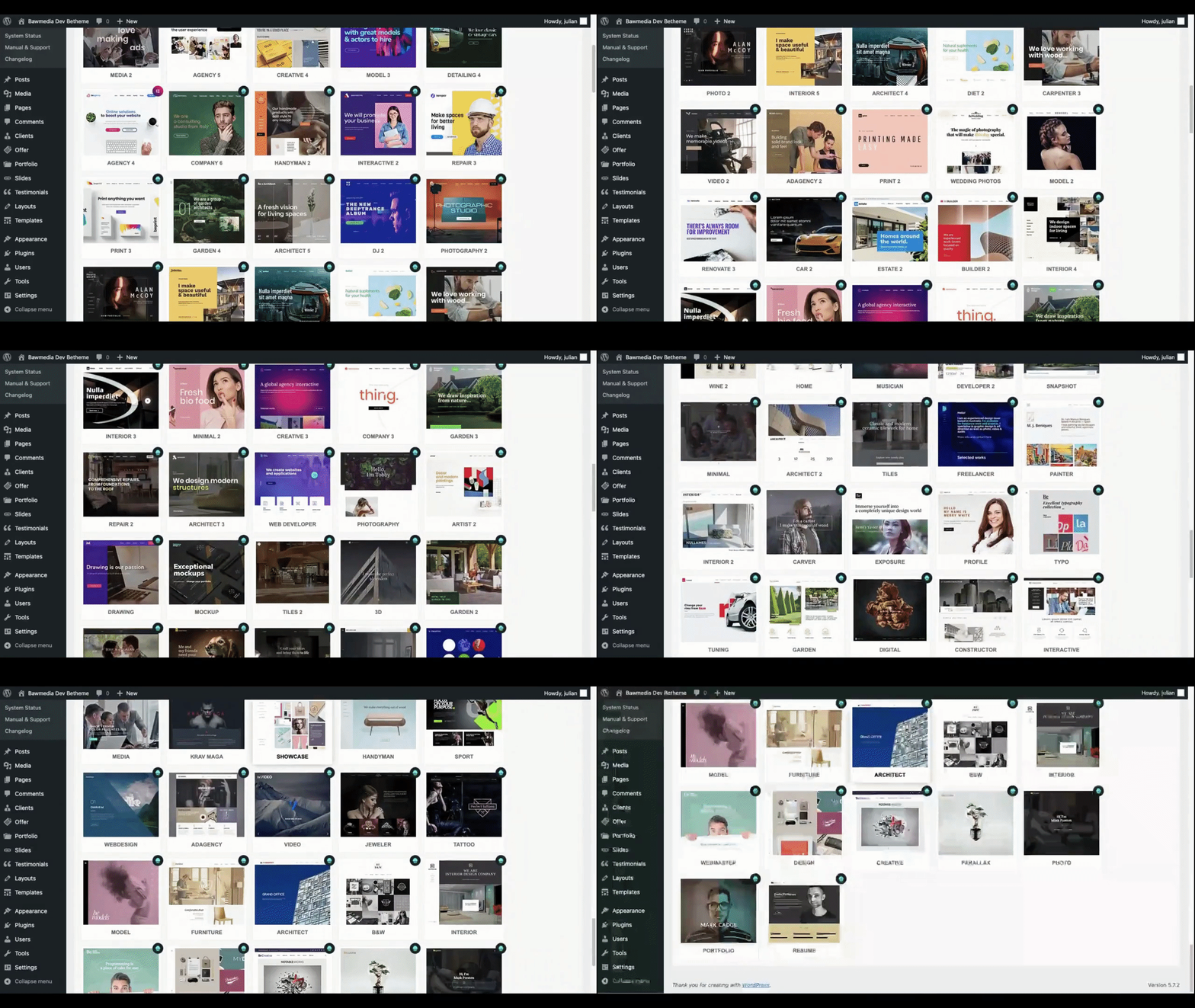
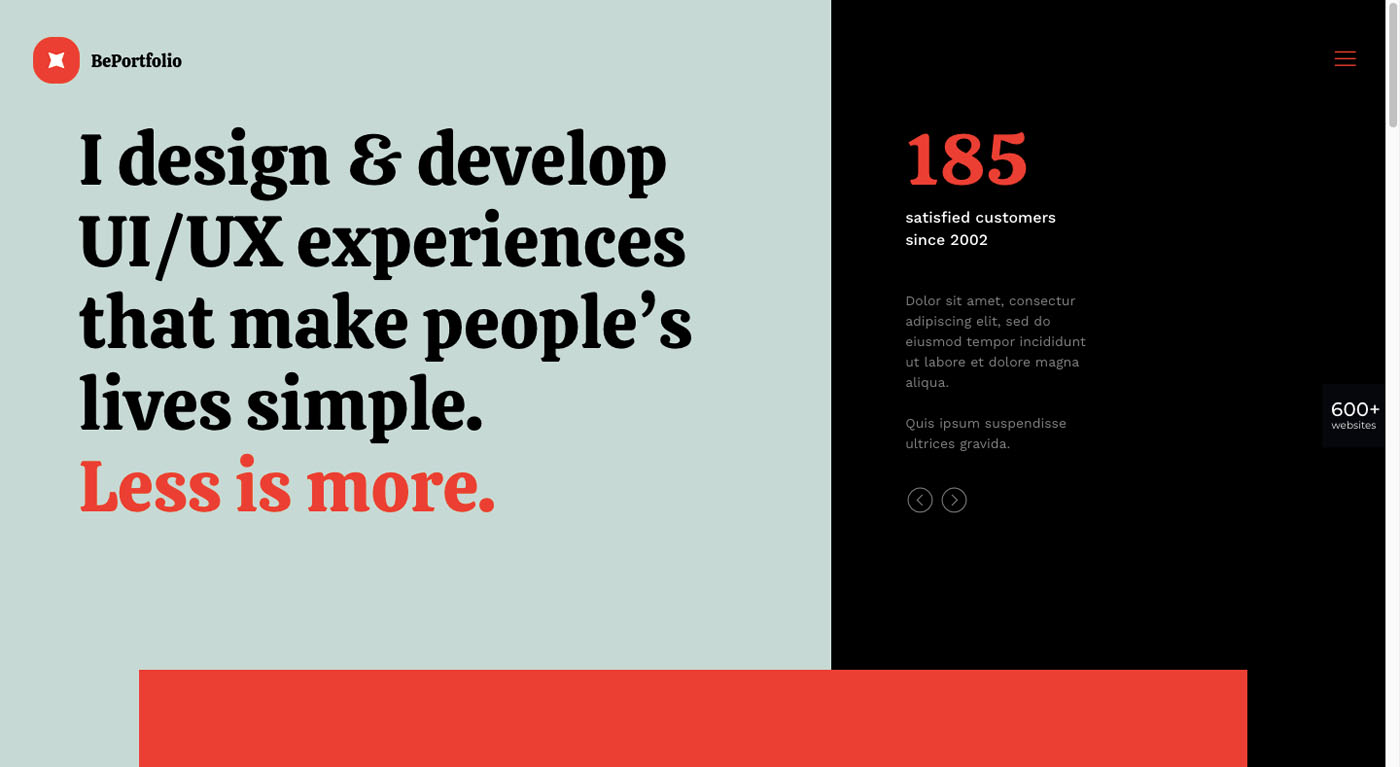
With BeTheme’s more than 600+ pre-built websites, you have a wealth of portfolio site options to choose from and work with:
With these portfolio sites, the style rather than the content is what you need to focus on since you’ll be adding your own content anyway.
Futuristic? Feministic? Bold and dramatic? Whatever style best fits your business is the style that counts.
And since these pre-built portfolio sites are compatible with Muffin Builder, you’ll be able to make full use of its powerful editing features as you build your site.
Feature #2: Intuitive customization options
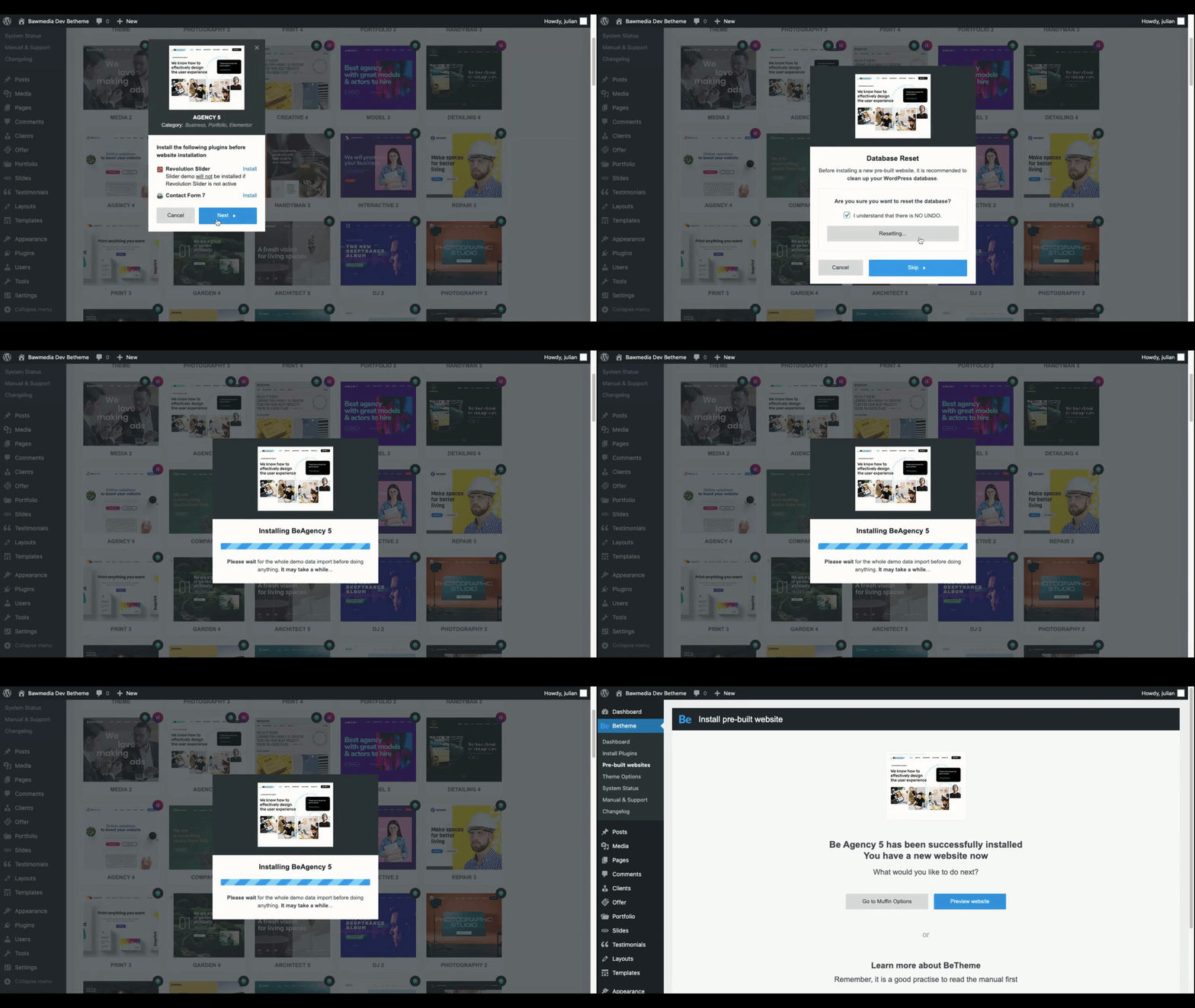
Once you load a pre-built portfolio site into WordPress, which takes less than a minute, you’re ready to customize the content. You may even want to tweak the design a bit.
Muffin Builder’s intuitive customization options make it easy for you to do either or both.
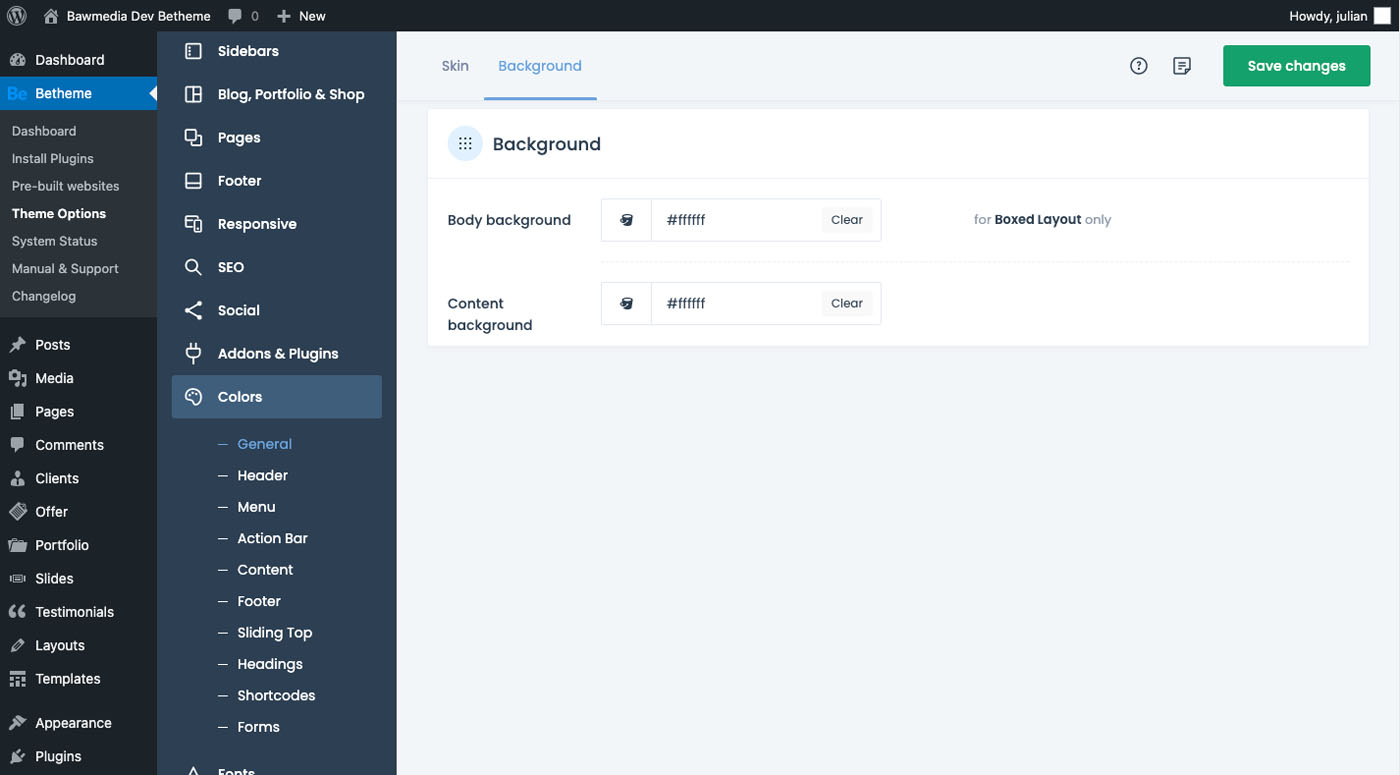
The global settings editor is where you want to start. You’ll find it under BeTheme > Theme Options in WordPress:
Now you can update colors, fonts, styles, and layouts and apply them globally to your portfolio site. Then, if you want to make changes within a page (i.e., non-global changes) you can use the Muffin Builder to make the needed adjustments.
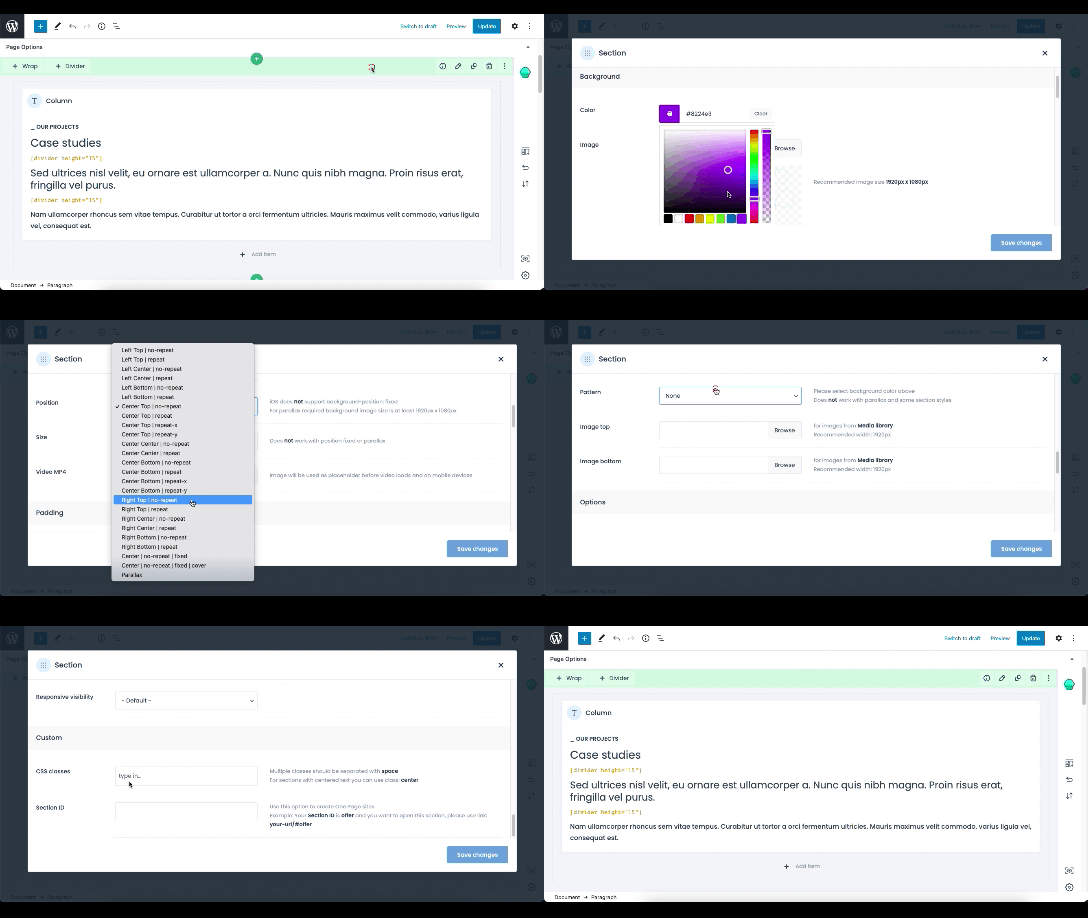
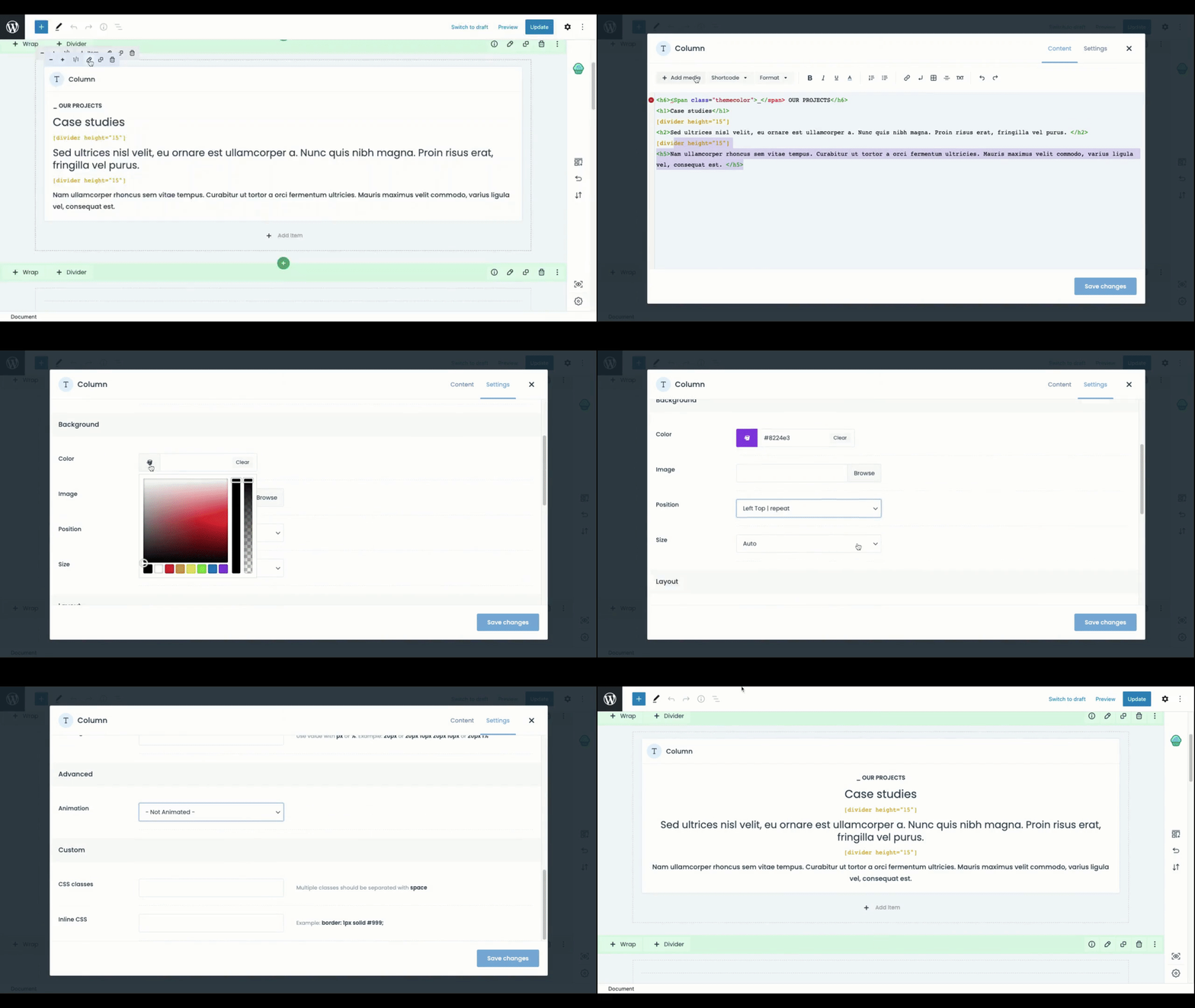
You have the same level of control within each block as you have globally or within a page. The settings you want to work with depend on the kind of content residing in the block.
For example:
Whether you are using the text editor or working with Muffin Builder’s pre-defined settings, you have the flexibility to customize your content as you wish.
Feature #3: Importable and reusable section templates
This feature could also be titled: Making a major change with a minimal effort.
For example: You’ve imported Portfolio 2, a pre-build portfolio site you’ve taken a special liking to:
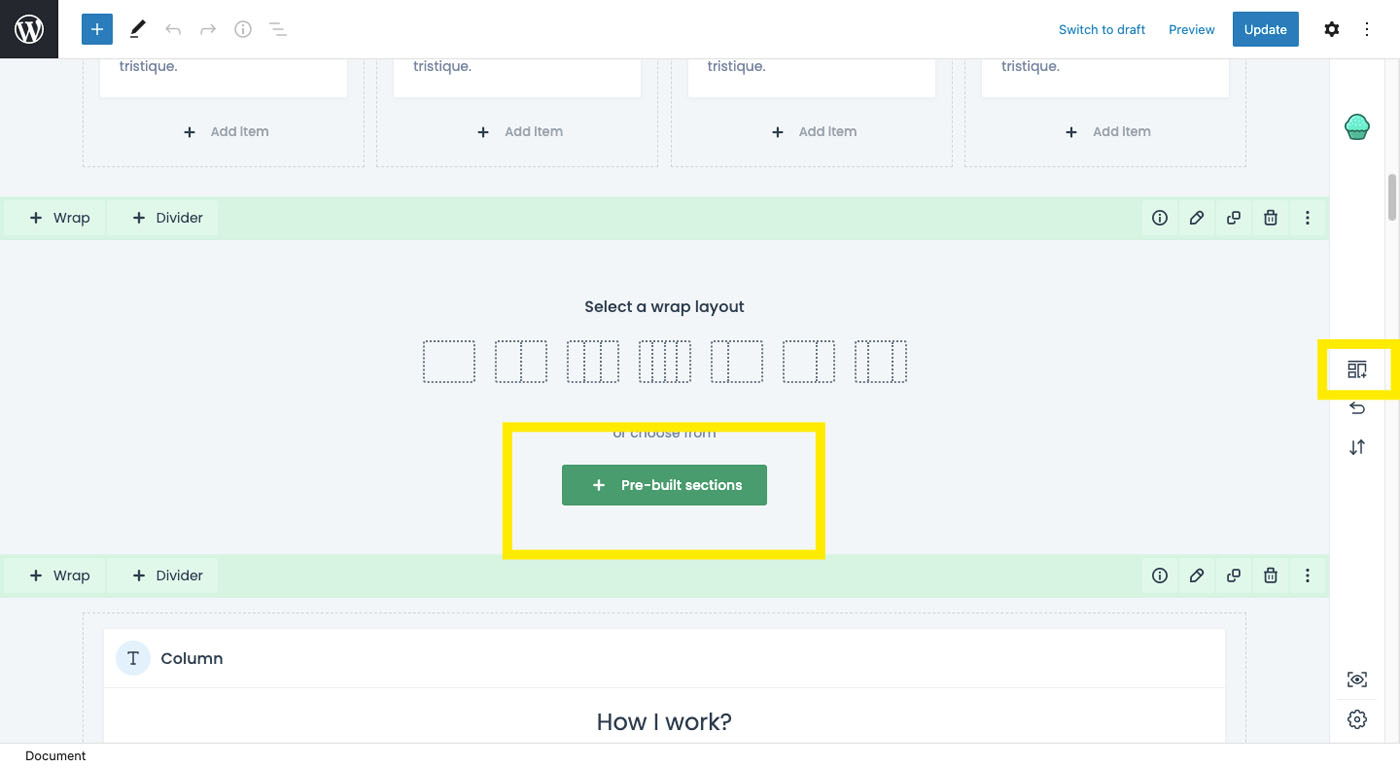
You’re happy with the About page layout, except you want to add a Google Reviews section between two other sections. It’s simply a matter of finding a pre-built section that meets your needs and importing it using the icon on the right toolbar.
Or, you can click on “Pre-built sections” to add one to your page:
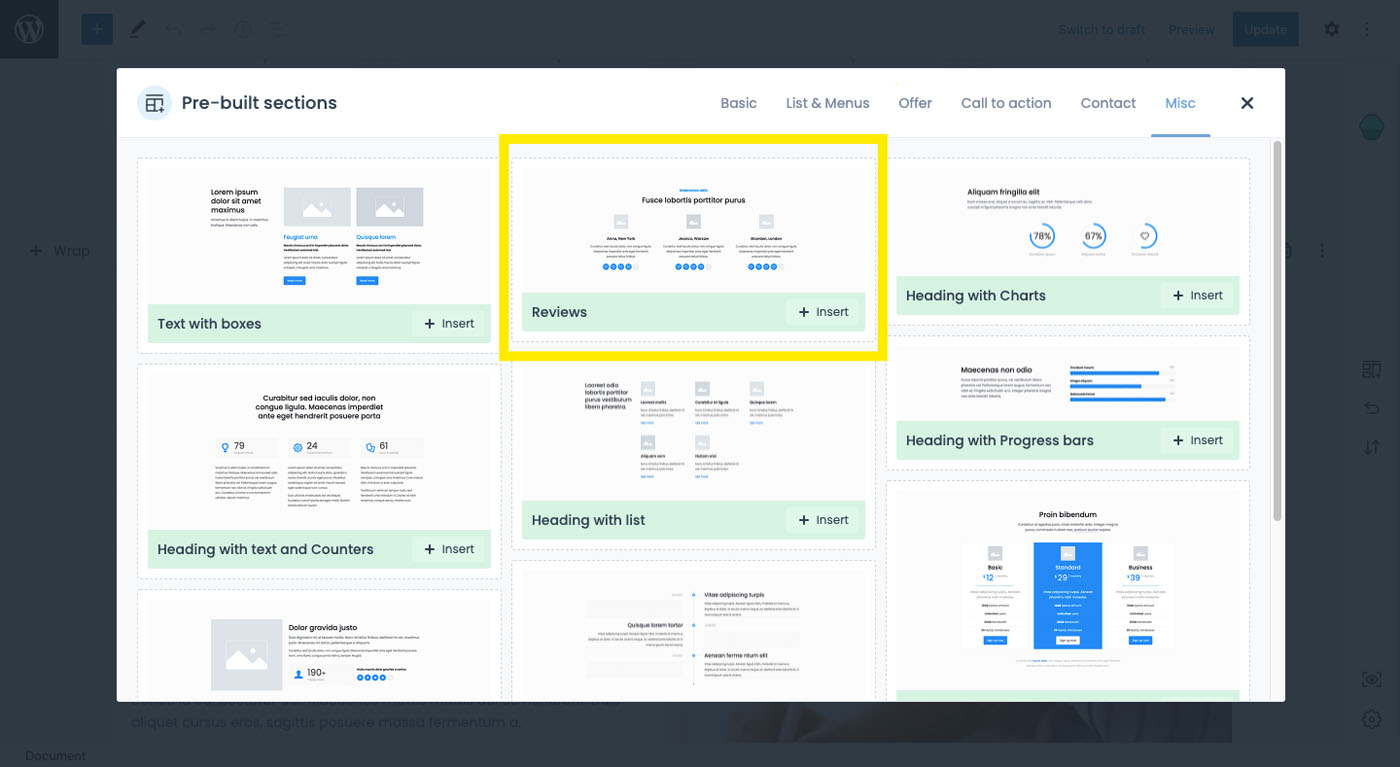
You should have no problem finding a section layout you want:
It’s all about placeholder content in which the structure and layout have already been taken care of and all that’s left for you to do is to fill in your content.
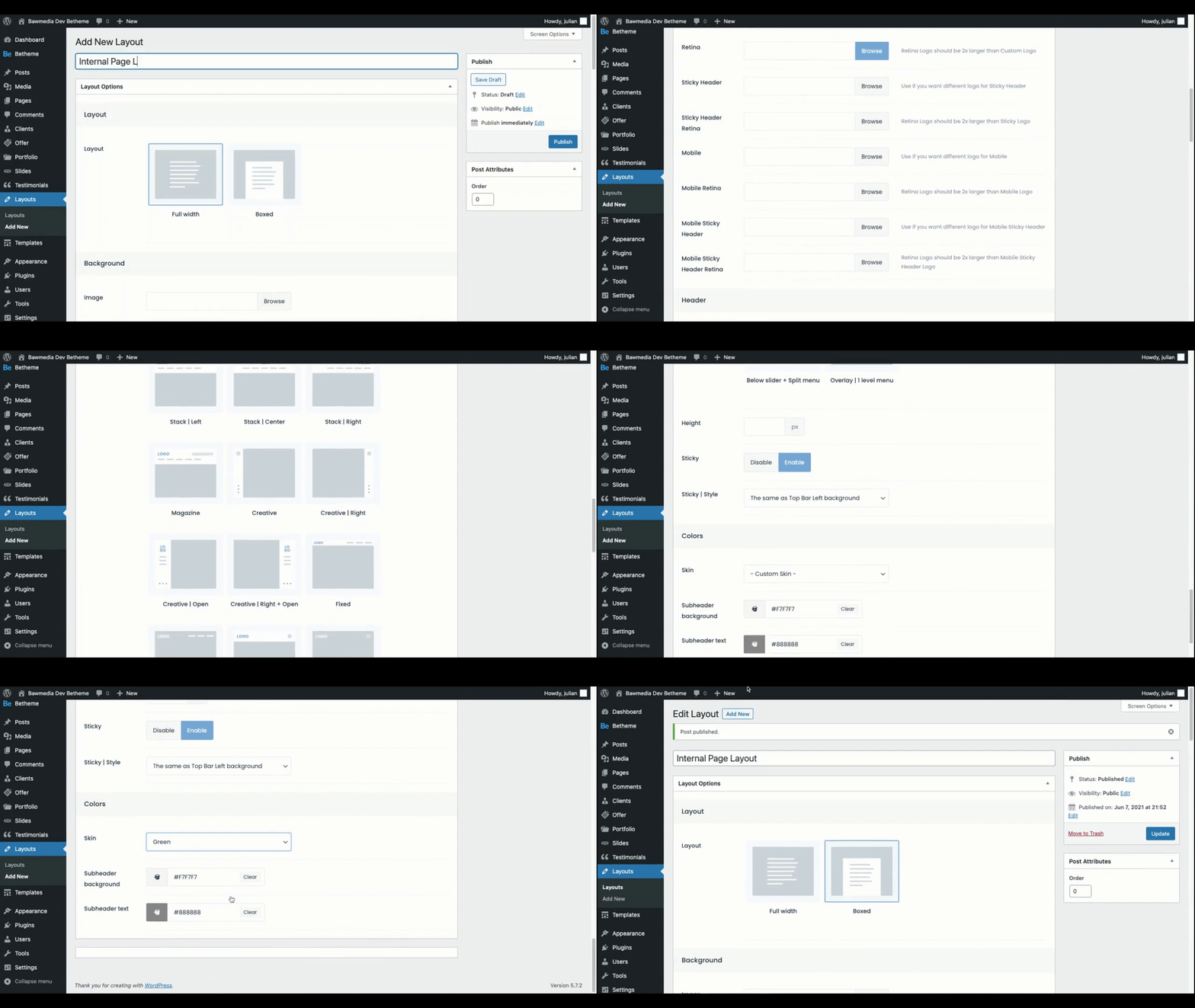
Feature #4: Custom layouts and headers
Pre-built sites make great site-building starting points and can often be used as is. An occasion may arise however where you may want to make changes to the layout, whether those changes are global or only affect a page or two.
Muffin Builder can help you make the needed adjustments to the layout:
Start by setting up your custom layout in the Layouts section in WordPress and saving it. You can also change the header if you wish.
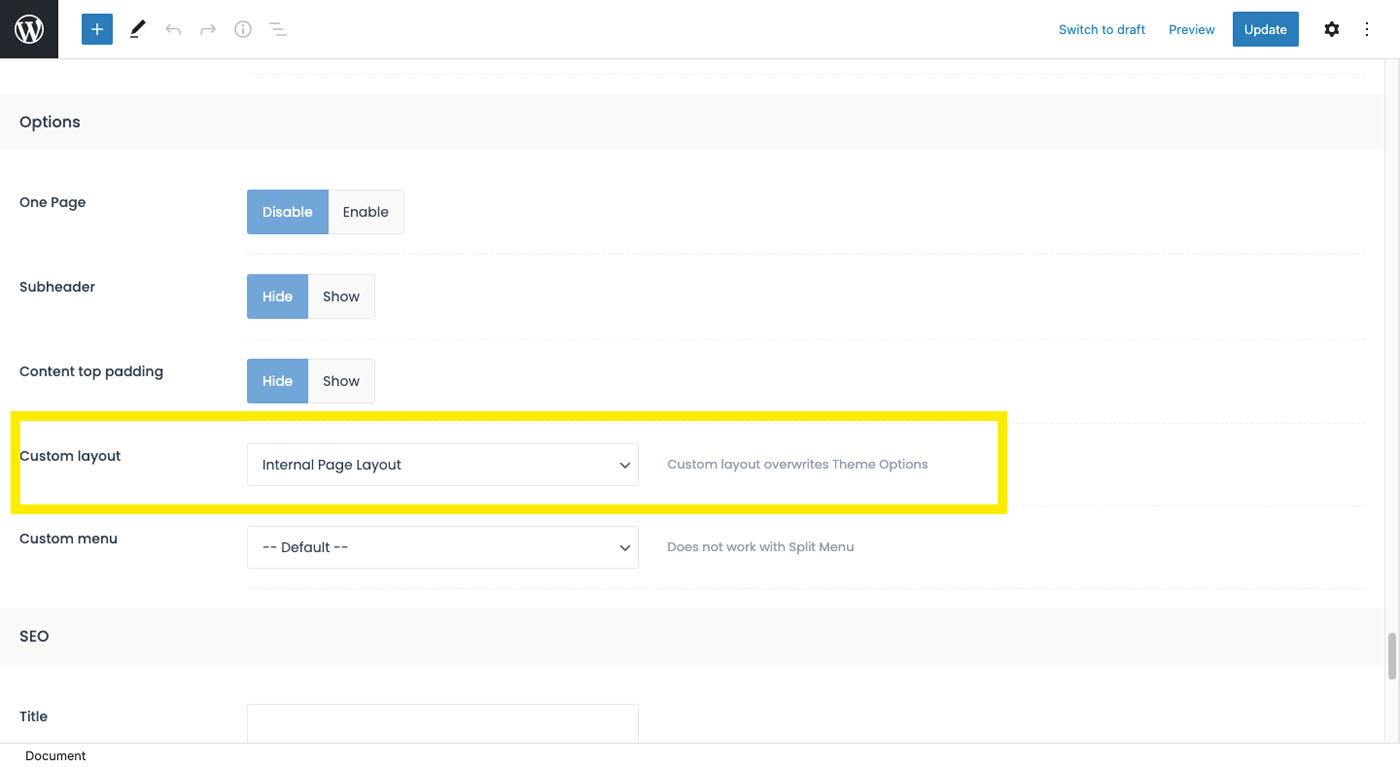
Now, it’s simply a matter of scrolling down below the Muffin Builder on each page and selecting your custom layout from each list.
The beauty of this exercise is that by being empowered to replace the BeTheme placeholder content with your own content you can customize as much or as little of the pre-built site as you wish.
Feature #5: Backup and restoration
It’s not uncommon to “sleep on” what you’ve done, and when you revisit it, you decide you liked the way you wrote something earlier better.
Thanks to Muffin Builder, you don’t have to reinvent the wheel. Your past revisions have been saved and you can simply go back in time by rolling back your portfolio site.
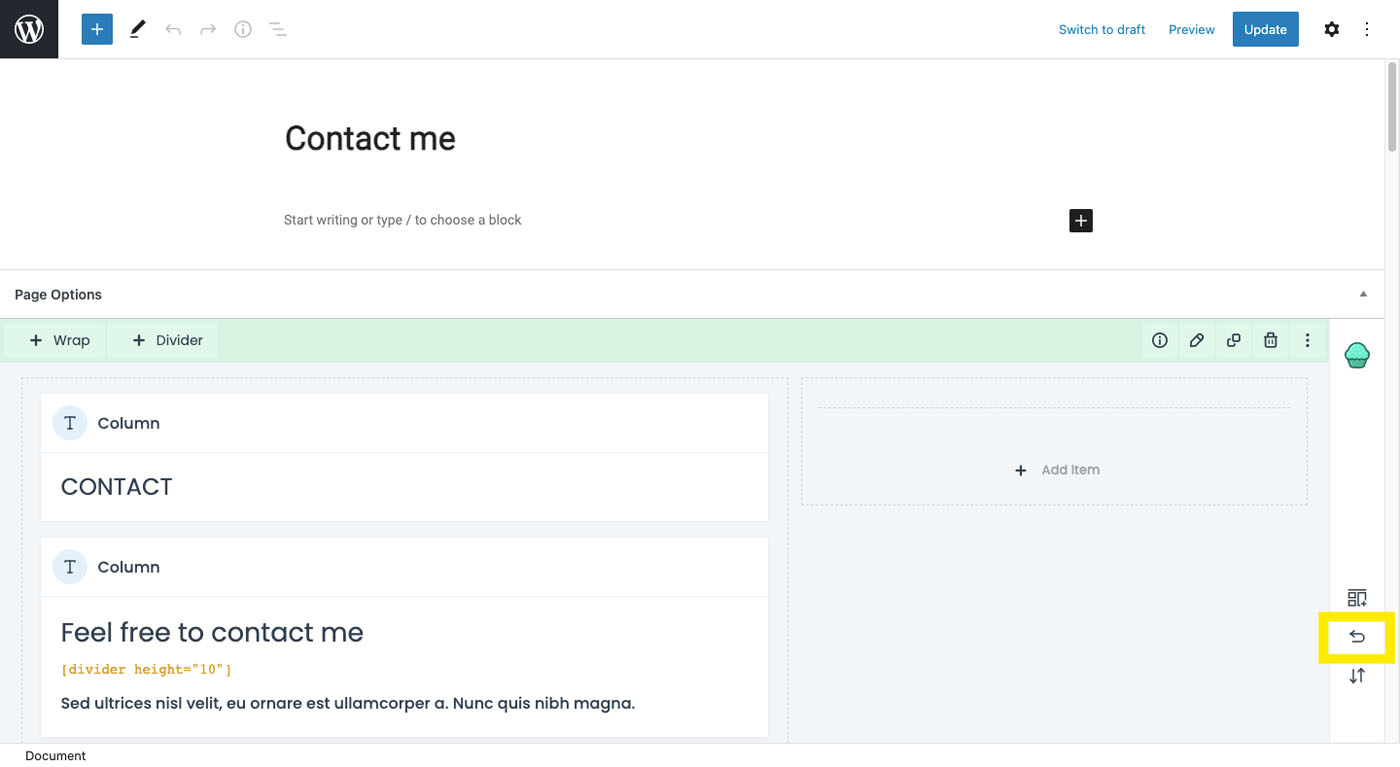
First, open the revisions panel:
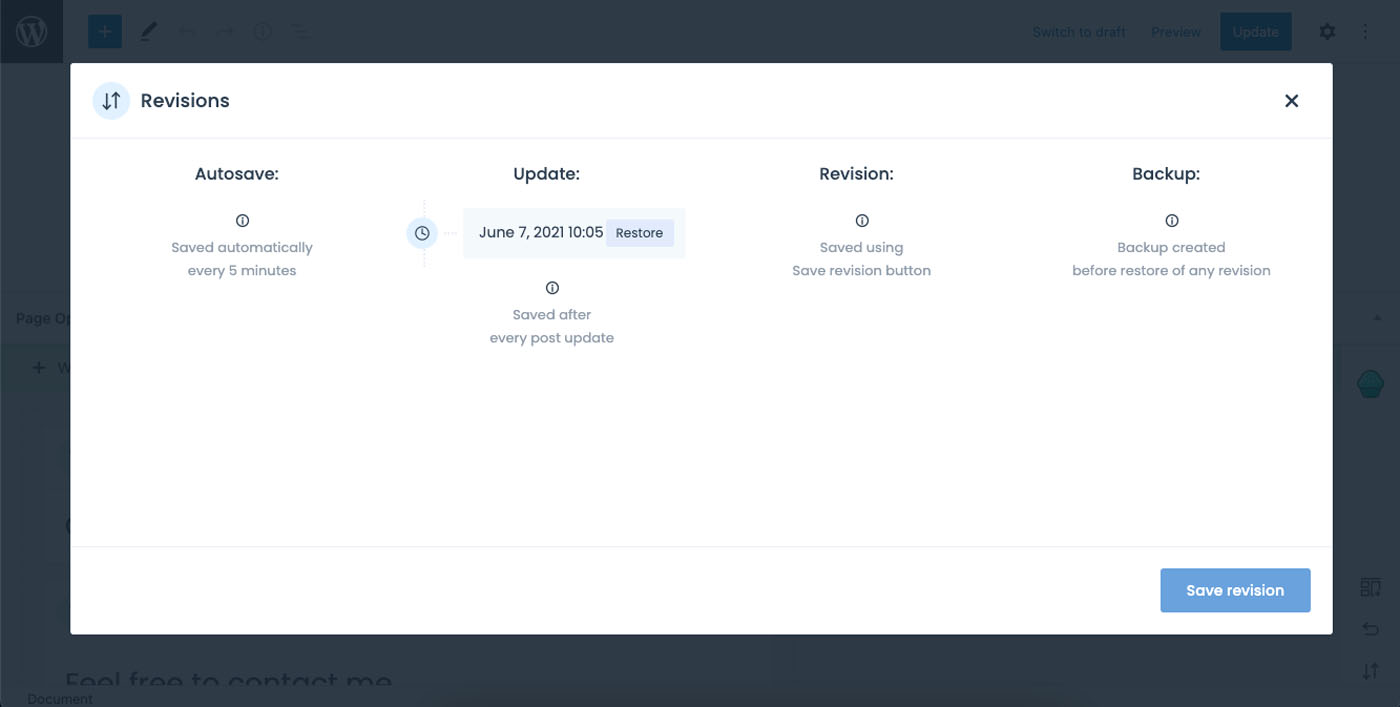
Then, choose the revision or revisions you want to restore:
If you’ve ever worried about making an update to your portfolio for fear that what you did previously would be irretrievable, the new Muffin Builder feature will put that fear to rest.
Feature #6 (Pending): The Front-end builder
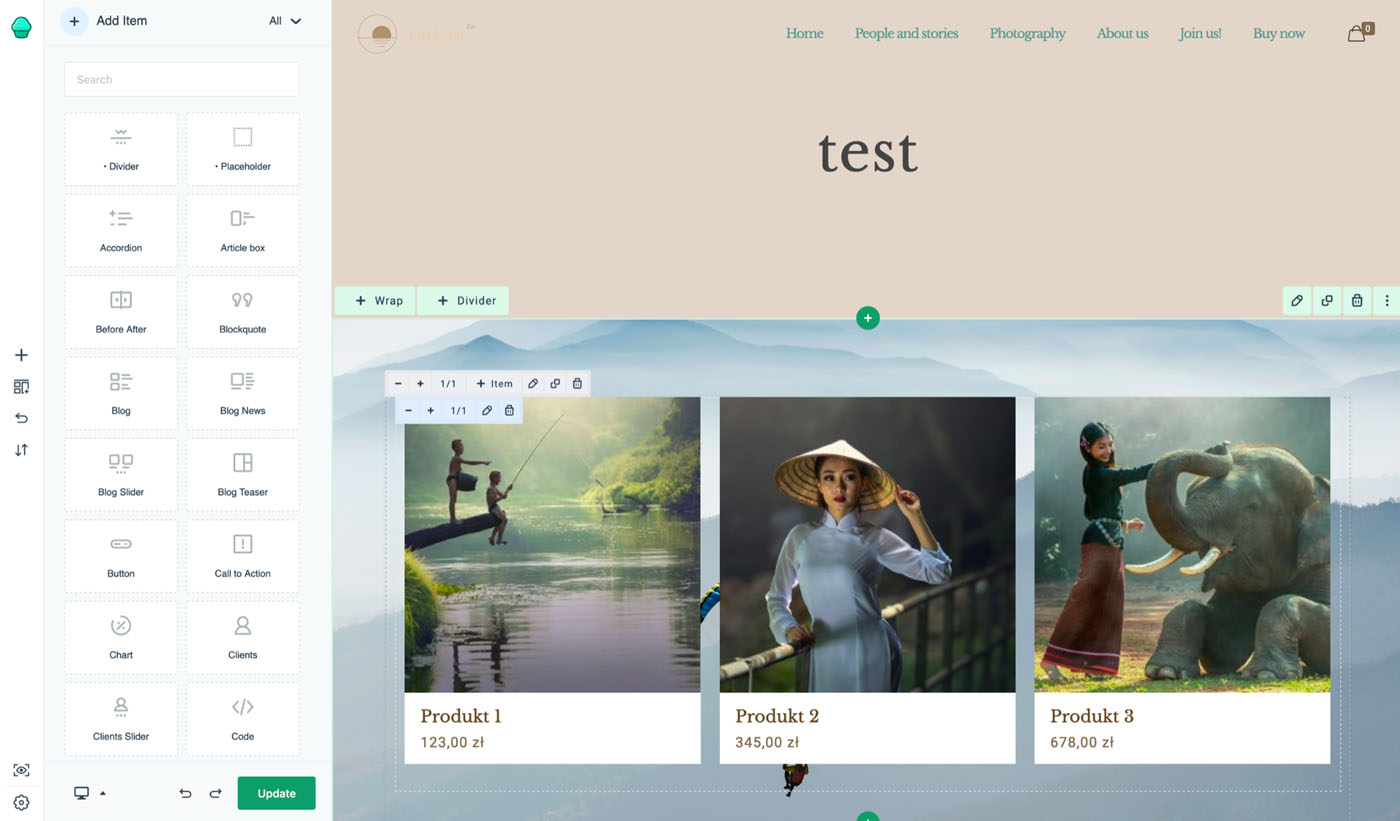
If you prefer to design from the front-end of the website, help is on the way. Sometime during the summer of 2021, the new Muffin Builder front-end building feature will be rolled out:
Many website-building tools (WordPress’s Gutenberg for one) feature a front-end editing capability for the following reasons.
You don’t have to switch back and forth from the editor to website preview to check your work
You can edit within the full context of the website and get a big picture of what your editing might affect or influence
It’s more friendly to clients and non-tech-savvy users and it empowers them to make changes in their sites
So, if you’ve been hoping for a live visual editor to use in WordPress, it’s just around the corner.
BeTheme + Muffin Builder: The fast and easy way to build your portfolio
Now that you’ve read this far, you know there’s a fast and easy way to build your online portfolio.
You start by selecting a beautiful BeTheme pre-built website
You customize it using the new and intuitive Muffin Builder
Guess what? You might just have found a better way to build websites for your clients in the future.