A common practice among web designers is to check in with clients regularly. This is usually done in order to request feedback and receive any needed direction.
One approach is to use prototypes. Prototypes can serve as effective vehicles to share and verify design concepts. They can help to communicate project status, and test evolving or completed designs.
Critical project tasks are easy to complete when you have a great prototyping tool. You can detect and eliminate design errors in a breeze. Prototyping tools described here can offer more than that.
Prototypes provide efficient methods of demonstrating potential effects of proposed design modifications.
Proto.io
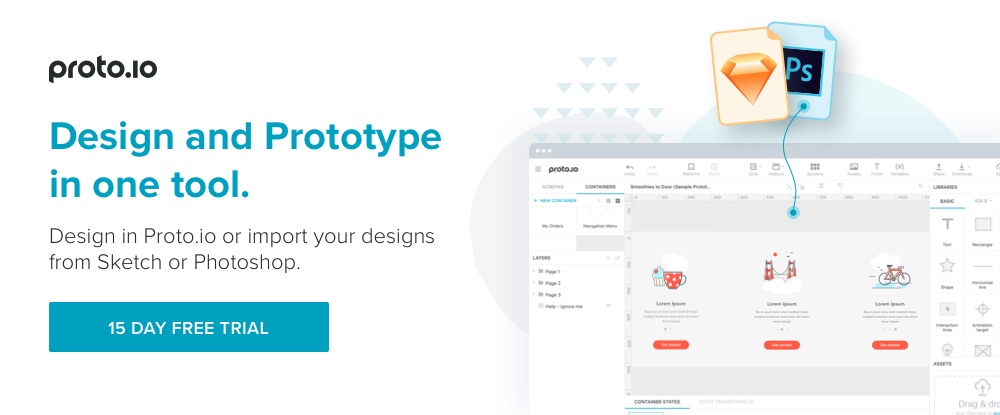
To build a prototype, you typically either build it from scratch, use built-in design elements, or upload your own design elements or your design in its current state, and go from there. You can do all these things with Proto.io, and more. You can do your design work and build prototypes on this platform.
You can create prototypes at any level, from low-fidelity wireframes or mockups, to high-fidelity, interactive and responsive high-fidelity prototypes for user testing, signoff, and hand-off to developers. It’s easy to create a series of iterative prototypes as design progresses. Proto.io has everything you need to maintain version control, and collaborate with project stakeholders throughout the design process.
This prototyping tool’s UI has been re-designed to make it even easier to work with; plus, the latest version features additional state transitions, apps for iOS and Android to preview prototypes on mobile devices, single-click sharing, and new user testing capabilities.
Since coding or design skills are not required, it can also be a valuable tool for product and project managers.
Design Systems by UXPin
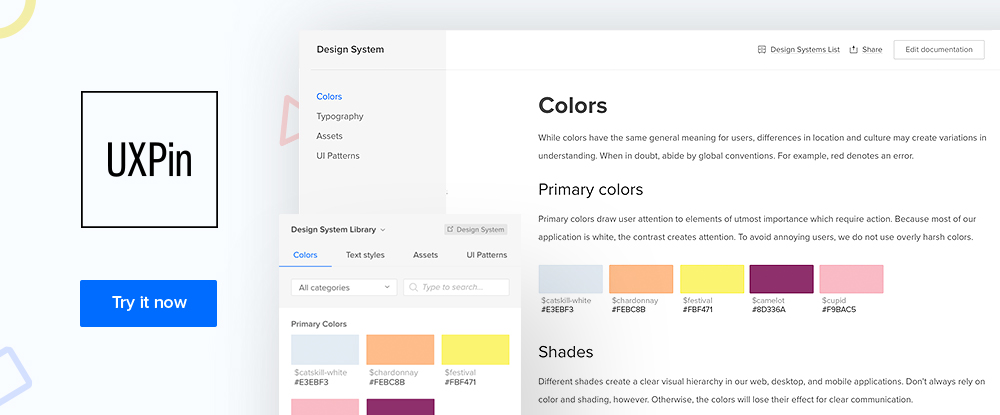
UXPin started as a prototyping tool, but they've since grown into a full-stack UX design platform. Now you can prototype, create a design system, generate documentation, and conduct developer handoffs. All in one collaborative platform.
The design systems feature is most intriguing - it's more than a pattern library. You can add metadata to elements that follows along in your projects so everyone sees the original source of truth.
UXPin supports a modular design and development process:
- Create a design system with Sketch or UXPin assets. Add metadata like custom code, use cases, technical constraints, etc.
- Prototype with elements from your design system. As you use elements, the metadata follows along.
- Turn feedback from your team into tasks assigned to people.
- Automate developer handoffs by generating specs, CSS code, and style guides.
UXPin is the ideal solution if you’re looking for a powerful platform that handles the whole design process.
Fluid UI
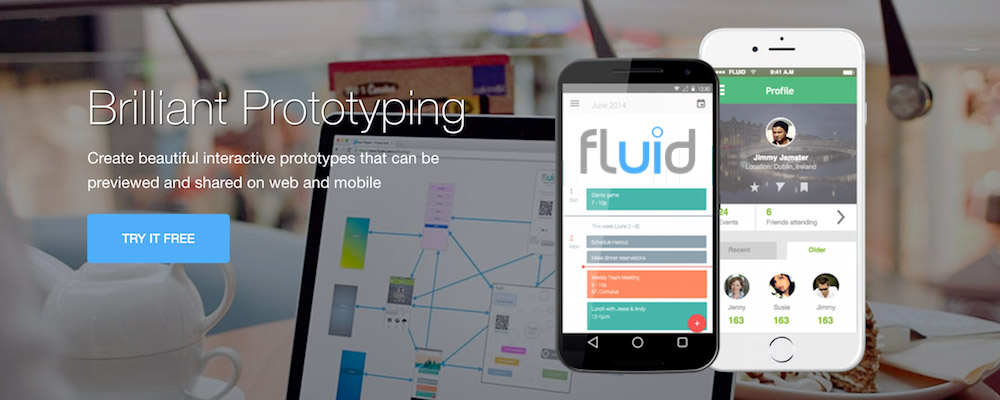
An image is just an image before it gains context in a design, and Fluid UI is the feature-rich, easy-to-work-with prototyping tool best suited to help you turn stock imagery into interactive, sharable prototypes for presentations and feedback.
The create mode allows you to choose from any of the built-in SVG libraries for Material Design, wireframing, iOS and web prototyping. These can easily be combined with your own images to create and share stunning pixel perfect interactive prototypes.
Fluid UI's collaboration features (many available for free) include live chat, comments, annotations and interactive video presentations. Multi-designer real time collaboration is available on the team plan.
Well known Fluid UI customers include eBay, Google, Dell, Siemens, and Samsung. There is a free lifetime plan and you can store all your archived projects for free without the monthly holding charge other tools charge. Our top recommendation for your next project!
Prototyping is Important: Here’s Why
As a designer, once you’ve received an assignment, the temptation is to dive right in. You are excited to start putting your creative talents to work.
If you don’t test your ideas as you proceed, you’ll find it much harder to accomplish what you’ve set out to do. Prototyping offers a way to test for form, fit, and function. This is irrespective of whether it’s for software, hardware, or website design.
View a prototype as an initial or preliminary version of your design. Other versions follow from your prototype as the design work progresses. A prototype is a useful tool for testing the functionality of your design.
Use prototypes to:
1. Define, refine, and built on ideas and concepts
Iterative prototyping is best. While this approach involves some work, it’s immensely beneficial. It keeps you on track and speeds up the design process.
It also ensures you’ll end up with a prototype that is close to a carbon copy of your final product.
2. Determine what’s working, what’s not working as planned, and what’s not working at all
A good idea doesn’t always translate into a good, or even workable, product. That's where one of the major benefits of prototyping lies. It can keep you from pursuing an idea for a design that will lead to a substandard product or even a dead end.
Prototypes enable you to find out any adjustments you need to make to achieve the desired result. This is valid for whether they involve the design as a whole or a design detail.
3. Identify issues that might otherwise be overlooked
It’s always to your advantage to detect and resolve problems as early as possible. You surely want to avoid unnecessary costs and delays.
Prototypes can play a valuable role in resolving issues at the right time. This is before a project enters the development phase. There, fixes can be much more expensive.
4. Communicate and Collaborate
A prototype can contain a wealth of information. Plus, they often make it possible to make changes on the spot.
This is especially true of high-fidelity, interactive prototypes. But even low-fidelity versions provide an effective method of communicating ideas and information.
Summary
Prototyping is an extremely useful and important web design practice. It can be used to verify the feasibility and practicality of a design concept.
Moreover, it can save significant amounts of time and money. You can use it to detect and resolve design errors and issues and conduct product testing.
Moreover, it can save significant amounts of time and money. You can use it to detect and resolve design errors and issues and conduct product testing.
It’s also extremely useful as an information-sharing and collaboration vehicle. A prototyping tool should be a part of every designer’s or design team’s toolkit.
It’s also extremely useful as an information-sharing and collaboration vehicle. A prototyping tool should be a part of every designer’s or design team’s toolkit.