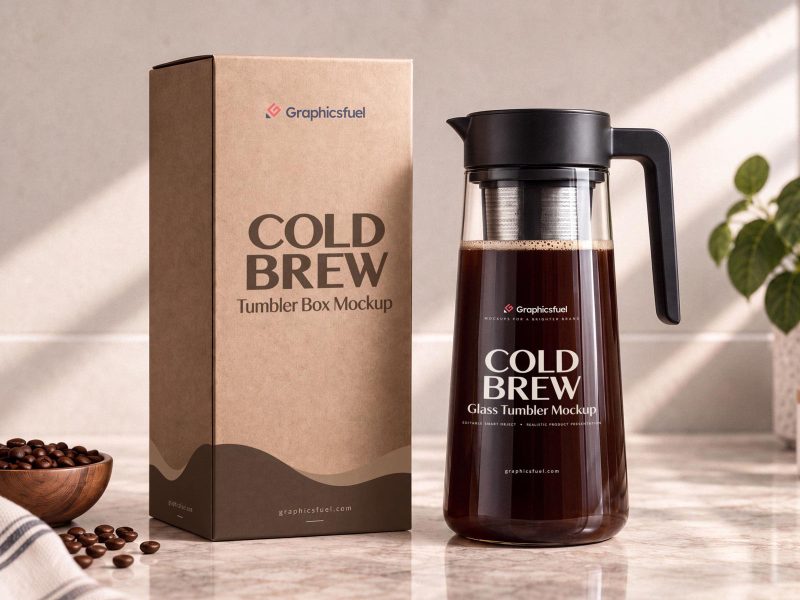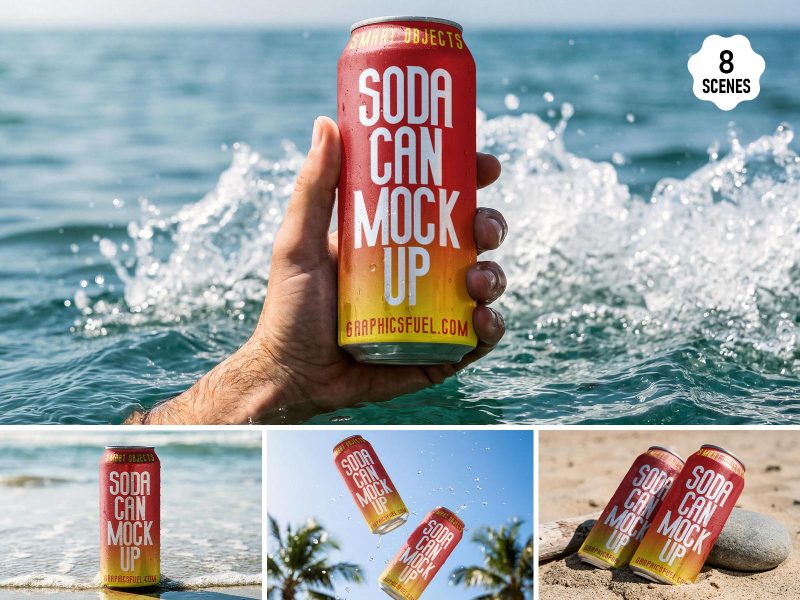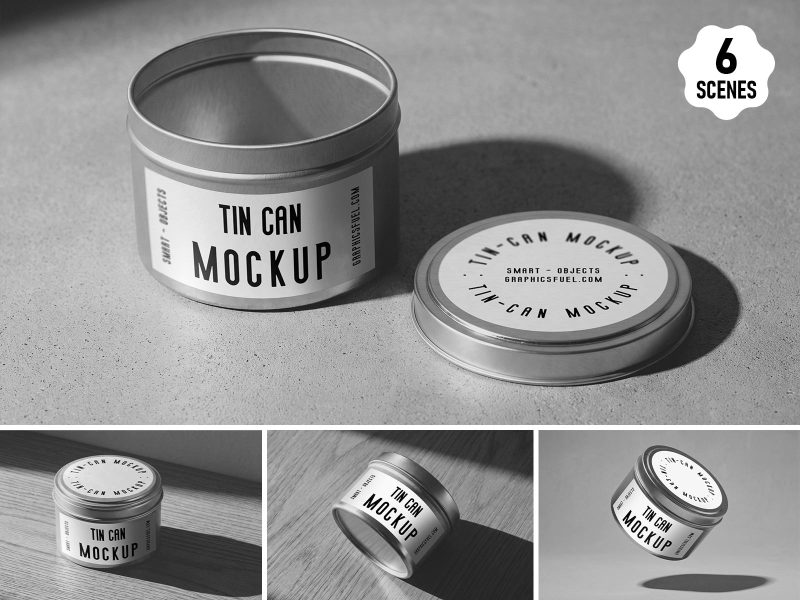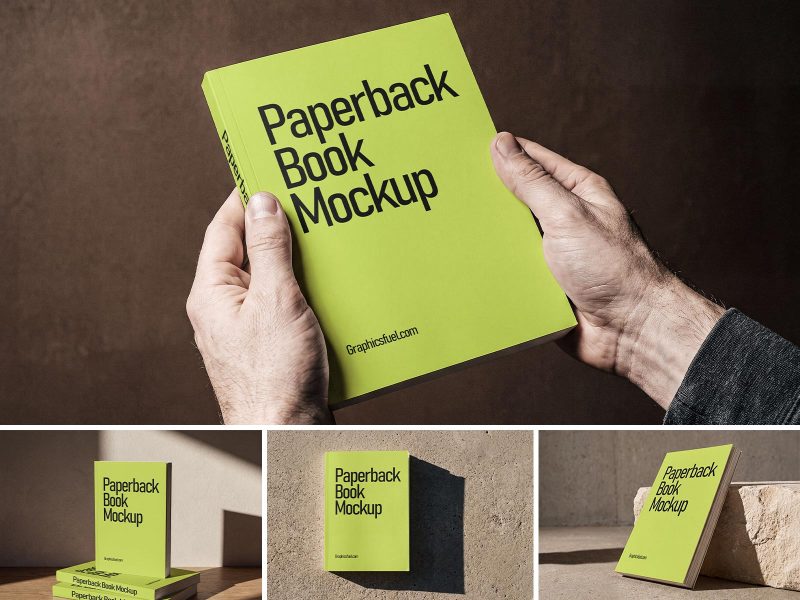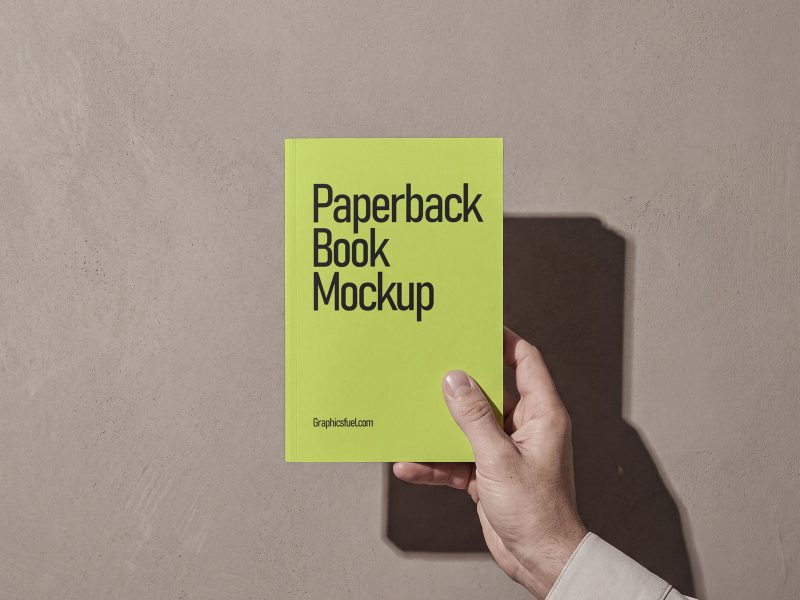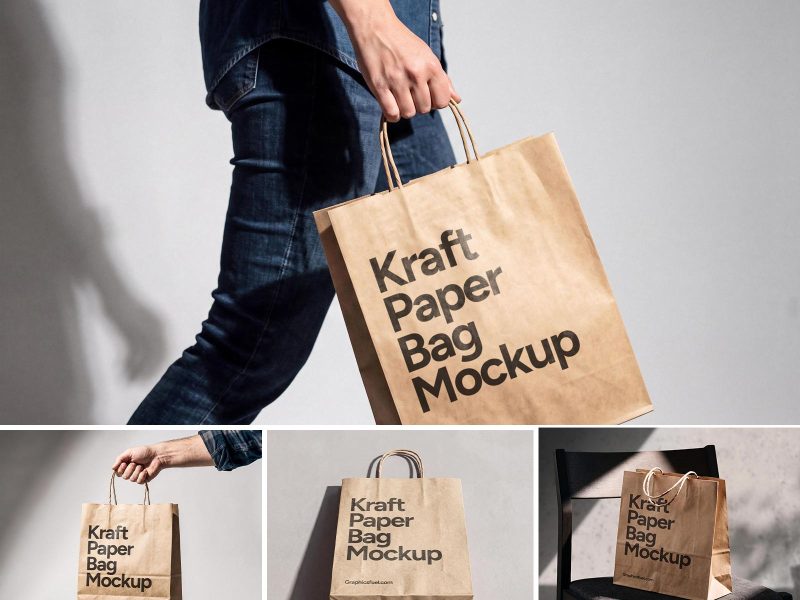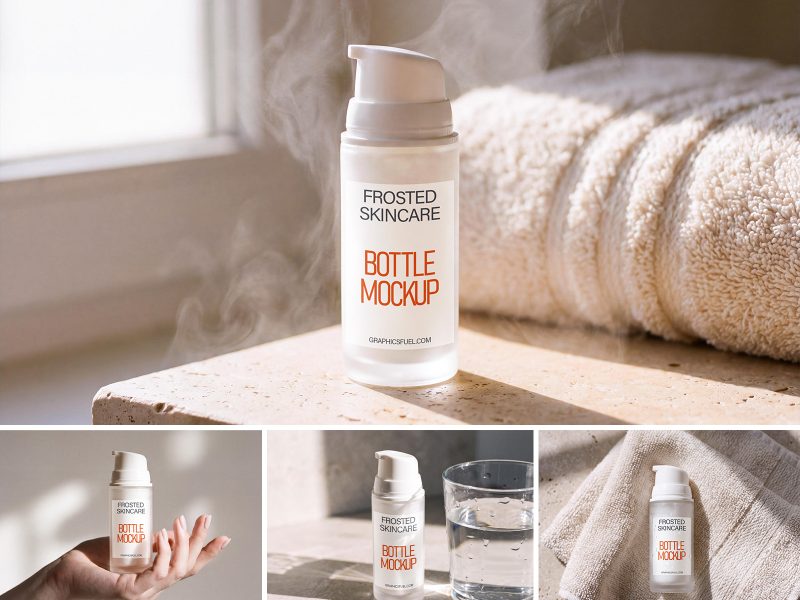
Friends, today's resource file is something very interesting and creative. As you can see it's a photo-realistic metal logo mockup in Photoshop PSD format. Using this resource, you can quickly create your own perspective logo concepts in 3D embossed steel and present them to your clients!
The PSD files comes with smart object layers. This will help you easily replace your own logo graphics, text or slogan based on your logo. Here's a quick list of instructions as to how you can create your own logo mockups.
How to use mockup to display your Logo
1. Download and open the PSD file (logo-mockup.psd) in Photoshop.
2. Double-click on the smart object layers -- ADD LOGO ICON, ADD LOGO TEXT, ADD SLOGAN HERE -- and replace / add your logo graphic and text in the respective layer documents.
3. After you are done, just save the docs files.
4. The mockup replaces with your logo design. Quick and awesome right!
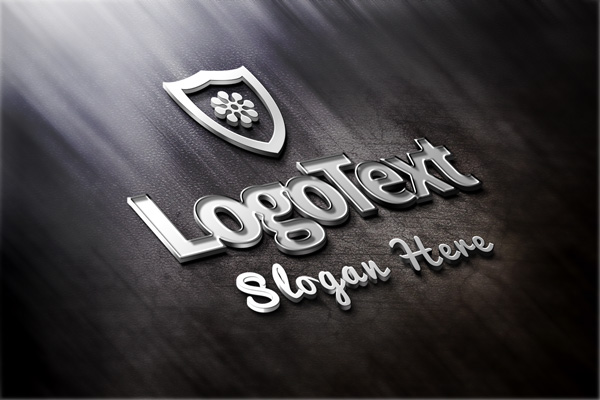
File Resolution: 1500x1000 pixels
File Format: PSD
Size: 9.79MB (zip)