Website-building tools that make creating pages a simple task are great to own. The problem is, exquisitely designed pages are not always enough to engage visitors. Those visitors also have to be shown how to reach their objective. This should be done in a friendly, straightforward manner.
That’s where UI and UX design plays a key role. This is also why you sometimes need special tools to create the desired effects. Experienced UX designers are always in short supply. This is due to the continuously increasing demand for their special services. And, you know what that can do to salaries when demand exceeds supply.
You might already specialize in this area. Or, perhaps, you are just starting to familiarize yourself with it and want to get off to a quick start. Here are several UI/UX tools worth checking out.
1. Mason
Prototyping has its merits and will continue to be a popular approach to digital design. It does involve overhead costs and potential time delays however. In addition, prototyping does not necessarily guarantee that the final design will be 100% production ready.
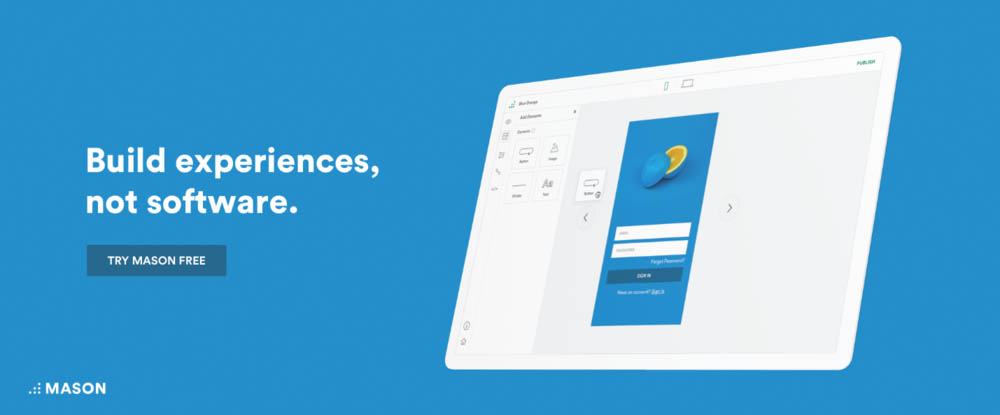
Mason presents a better way. Mason’s visual interface enables you to design digital features at the component level. A completed design, like a news feed, login form, or registration user flow, can be built, designed, and deployed in minutes, all without writing a single line of code. The best part? Anyone on your team can do it.
And, there’s no need for QA inspection to verify a perfect match between the design and the product. This is another overhead cost that Mason allow you to avoid. Better yet, since the design effort is focused on the component level, product maintenance is easier and post-deployment changes can be made immediately via the Mason builder. Make a change, hit Publish, and your edits—anything from new copy to images to colors and much more—show up immediately, live, in your app.
2. Overflow
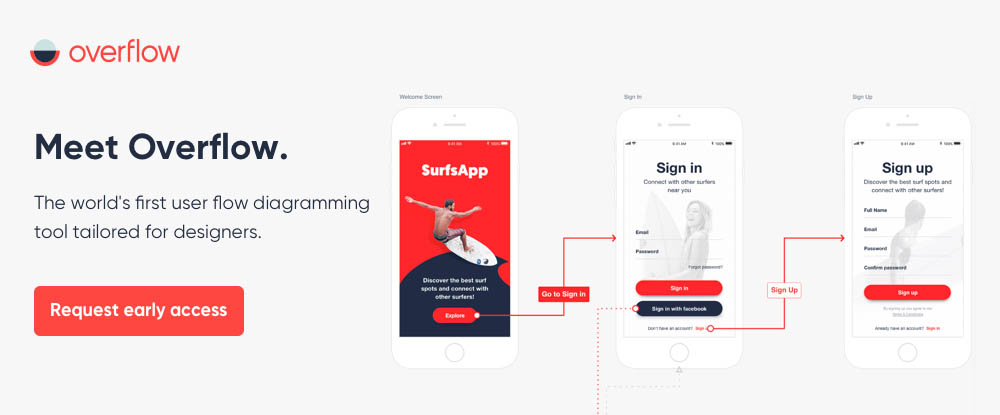
Flowcharting is a common practice among project managers. That is not always the case with web designers, and very few if any use flowcharts to address user needs and expectations. Put another way, flowcharts are not always utilized where they should be; in UI and UX design and particularly the latter.
Overflow is the world’s first user flow diagramming tool created just for designers. It allows designers to use interactive user flowcharts the way they should be; to tell a story. Storytelling is key to designing an engaging and effective UX. It also provides a way for designers to better communicate their ideas and their work.
Overflow is being developed by PROTOIO, Inc., the creator of the popular Proto.io prototyping tool. Although it is currently in beta, you can go to overflow.io if you would like early access.
3. UXPin
UXPin is an ideal choice for teams of all sizes that use a rapid prototyping approach to deliver development-ready designs. This design tool serves as an excellent collaboration platform, as well, providing teams with the ability to gather comments, ideas, and feedback in a central location readily available for sharing.
UXPin will help your team prepare design elements, sync those designs with code, and provide the controls necessary to ensure overall design consistency in the finished product.
Teams won’t struggle to create manual documentation, either. All the data developers need to bring a project to a successful conclusion is automatically generated when designing within UXPin. UXPin’s inspect tool can be brought into play when necessary to verify that a deployed product exactly matches the design.
4. PowerMockup
If you’re a PowerPoint user, you’ll no longer have to rely on a different platform to create and share interactive design prototypes with others. Thanks to PowerMockup, it’s easy to create effective, information-packed prototypes to share with team members or project stakeholders.
You simply select shapes and design elements from the PowerMockup library, drag and drop them onto a PowerPoint slide, and invoke PowerPoint’s animation and slideshow effects to create your interactive prototype.
5. Creately
Creately helps UX designers work more efficiently and produce superior designs by means of an extensive set of diagramming and collaboration tools. Everything needed will be found in the Creately tool box, including mind-mapping, diagramming, and flowcharting tools, and professionally-designed templates to get projects off to a rapid start.
UX design can be a challenge. Creately is more than up to the task.
6. Fluid UI
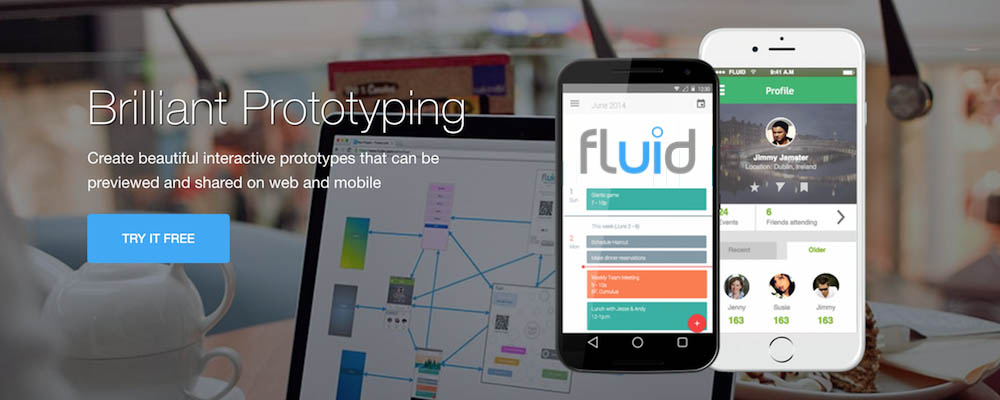
Designers, distributed design teams, and project managers alike have found Fluid UI to be a great help for their prototyping, wireframing, and mockup activities, and for their communications and collaboration needs as well.
Fluid UI’s component libraries contain everything designers need for their desktop, iOS, and Android prototypes and web applications. Users can communicate in real time via messages, video presentations, and live chat.
7. Visual Inspector
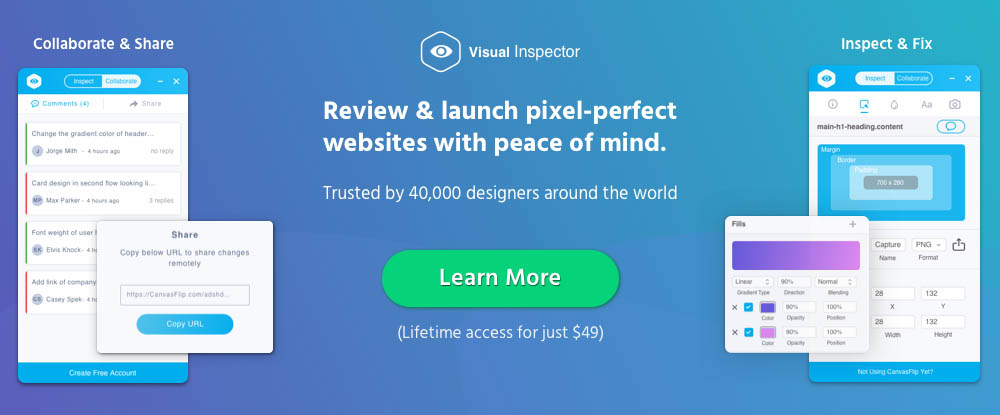
With Visual Inspector, you can visually inspect and fix UI problems or issues on a live website, annotate the page(s), and share your findings with stakeholders in real time.
No coding is necessary and Visual Inspector takes but a few seconds to put into play. Other features include automatic CSS generation, webpage assets downloading, and integration with existing workflows. Lifetime access is currently yours for $49.
Conclusion
Seven different tools for UX design, seven different or slightly different approaches. All are effective. If rapid prototyping is your design methodology of choice, there’s something here for you. If you’re looking for an alternative to prototyping, there’s something here for you as well.
Give user flow diagrams a try with the objective of improving your UX designs. And, if you’re a dedicated PowerPoint user, you haven’t been left out.