You can be a great artist or photographer, but if you haven’t got a portfolio website, a very small part of the world will know about you. You may lack designer skills to build your own artist website, so hiring a professional web designer is the way to go.
However, outsourcing isn’t always that simple. Web designers know how to build great web design portfolios, but an art or a photography portfolio is a whole different animal… Creating a showcase of artworks require a whole different approach to layout because images, not other content, must be in focus. Web design must become an extension of the artworks, and this often requires derogating from the normal way of web designing to reveal your own, original voice. To help web designers tackle the tricky task, we decided to share some web design tips for creating a top-notch photography portfolio.
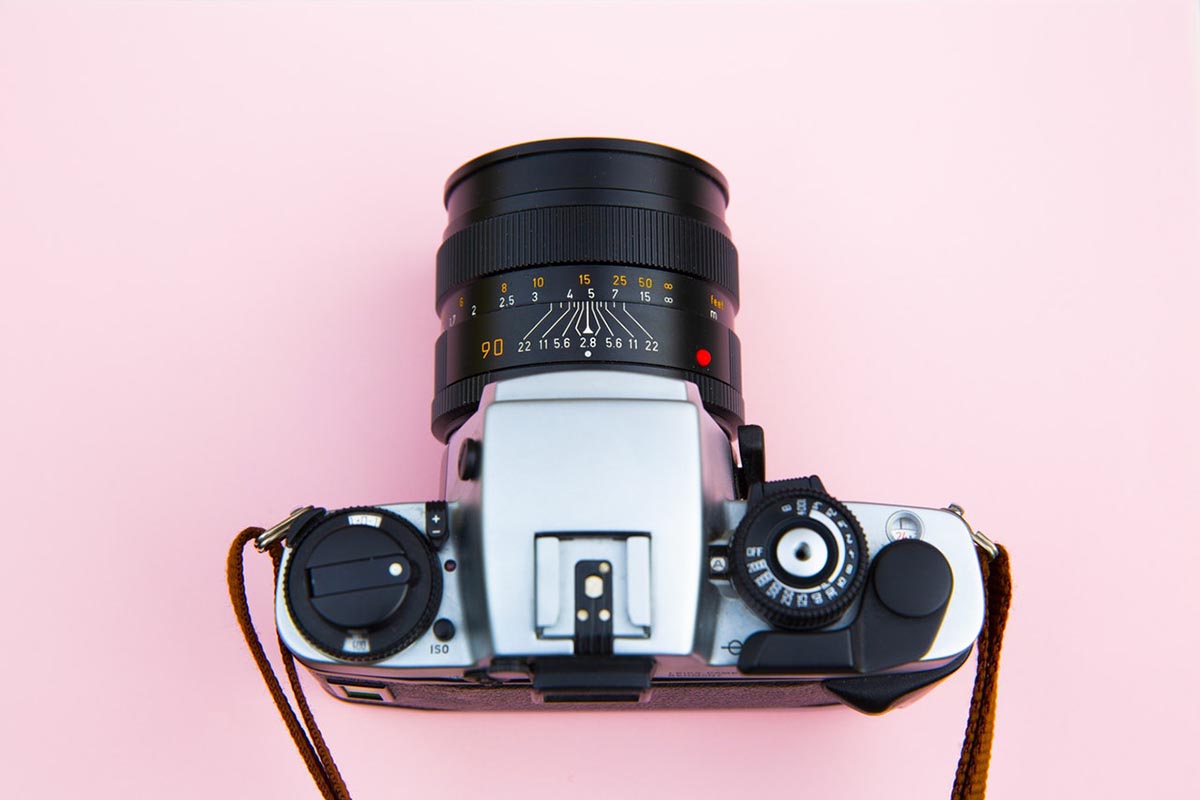
1. Mobile-friendly design
The number of people browsing websites from their mobile devices increases day by day. That is why not adjusting your website design to smaller screens you lose a big fraction of potential clients. Moreover, starting from March 2018 Google penalizes mobile-unfriendly sites.
The responsive design becomes extremely important for websites with a focus on images. You need to make sure that resolution fits all devices and viewing photos is comfortable for all users. We recommend customizing photos to make them automatically adjust their size to the width of a display. It is quite easy and fast to make (the pics’ width set to 100% of displaying div and the height set to “auto”) but goes a long way.
However, the responsive design isn’t only about images. All other graphic elements must fit small screens as well. A good idea is to start developing website design from the mobile version and then if all key elements work well, adapt the website to larger screens.

2. Make images contrast
Think of the background the pictures will be shown against in the showcase. Black helps keep a higher contrast than white. It also emphasizes the contrast the photos have themselves. Don’t be afraid of experimenting with different colors to see what works better in your case.
3. Simple is the new beautiful
The rule of a thumb proved by this study is: the simpler the design, the more beautiful it seems to visitors. Don’t overwhelm users with superfluous and distracting visual elements. Sometimes, it’s better to stay with standard layouts people are familiar with, but find other ways to stand out.
4. Intuitive navigation design
A big part of the customer journey lies through a website, making the way how a visitor discovers portions of information extremely decisive. Keep the menu short and clear limiting the number of items to 7 items max. Having to go through over 10 items in the menu confuses and makes visitors stumped. For creating a better, distraction-free experience, try giving up the sidebar, sliders, and accordions in favor of a longer though focused single-column page design. By the way, this study proves that people prefer scrolling to clicking so keep this in mind as well.
5. Keep gallery design modest though elegant
Respect your clients’ time and make the gallery easy to find and navigate with intuitive on-screen buttons. Ensure that the images are large enough to enable clients to enjoy the details but small enough to upload fast. Design a place for short descriptions and avoid such things as animation (unless you are designing a cute children’s photography website), splash pages, and loading bars.
Bottom line
Designing a photography portfolio isn’t easy, but if you think in a strategic rather than generic way, you’ll be able to find unique layout solutions to make the portfolio rock.